
Data Center: build history
58 steps across 6 parts of the mod, from first mockup to finished build.
Server rack 42U (and doors)
The 42U rack and its door versions, from the first mockups to the finished, breakable block with power strips on the rails.
-
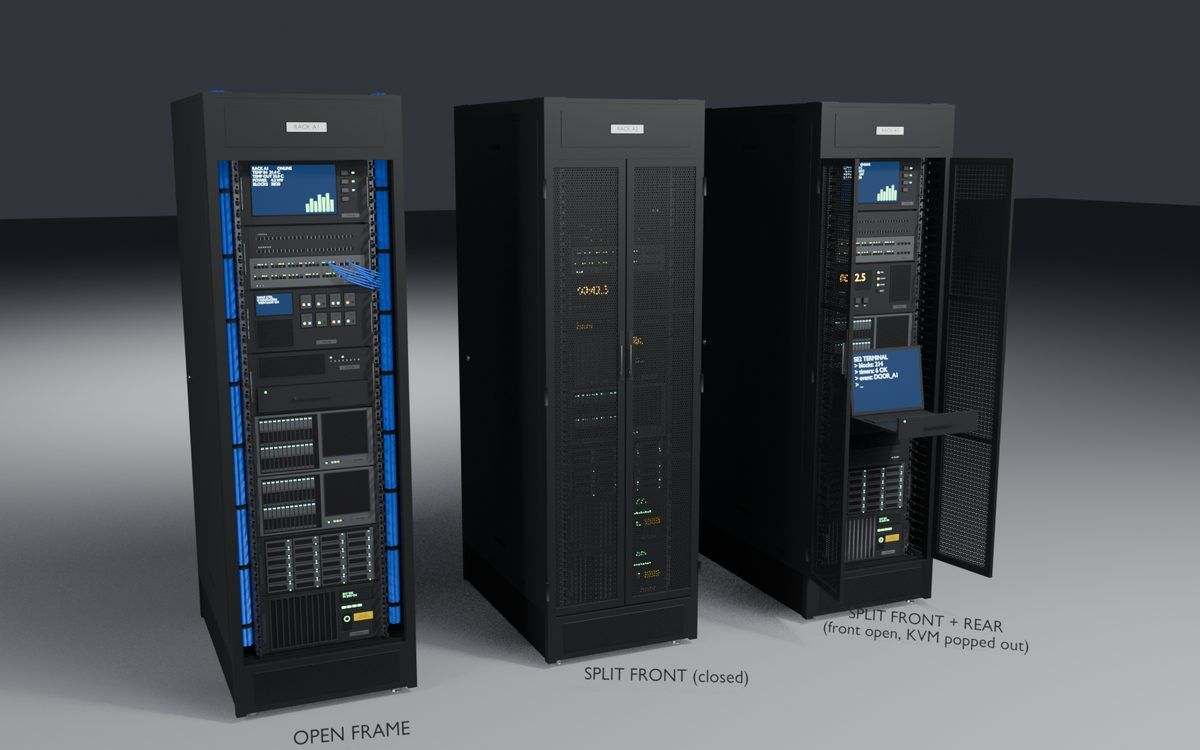
First mockup
A quick first look at three rack styles: open frame, doors on the front, and doors front and back.
-
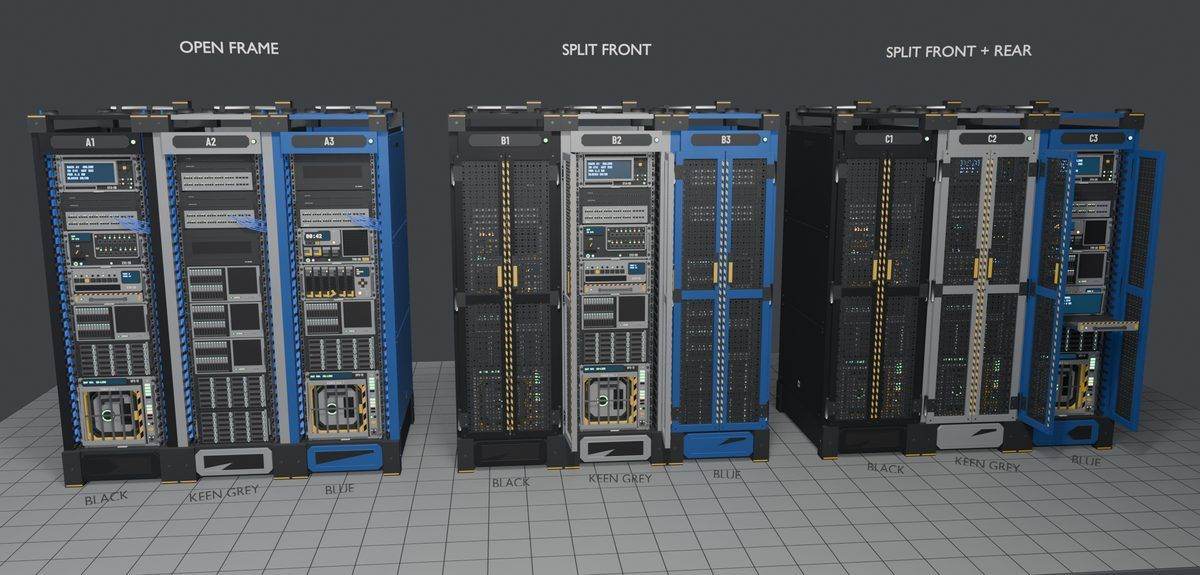
Second mockup
The racks were restyled to match the game's own materials and paint, shown in black, grey and blue with the three door styles side by side.
-
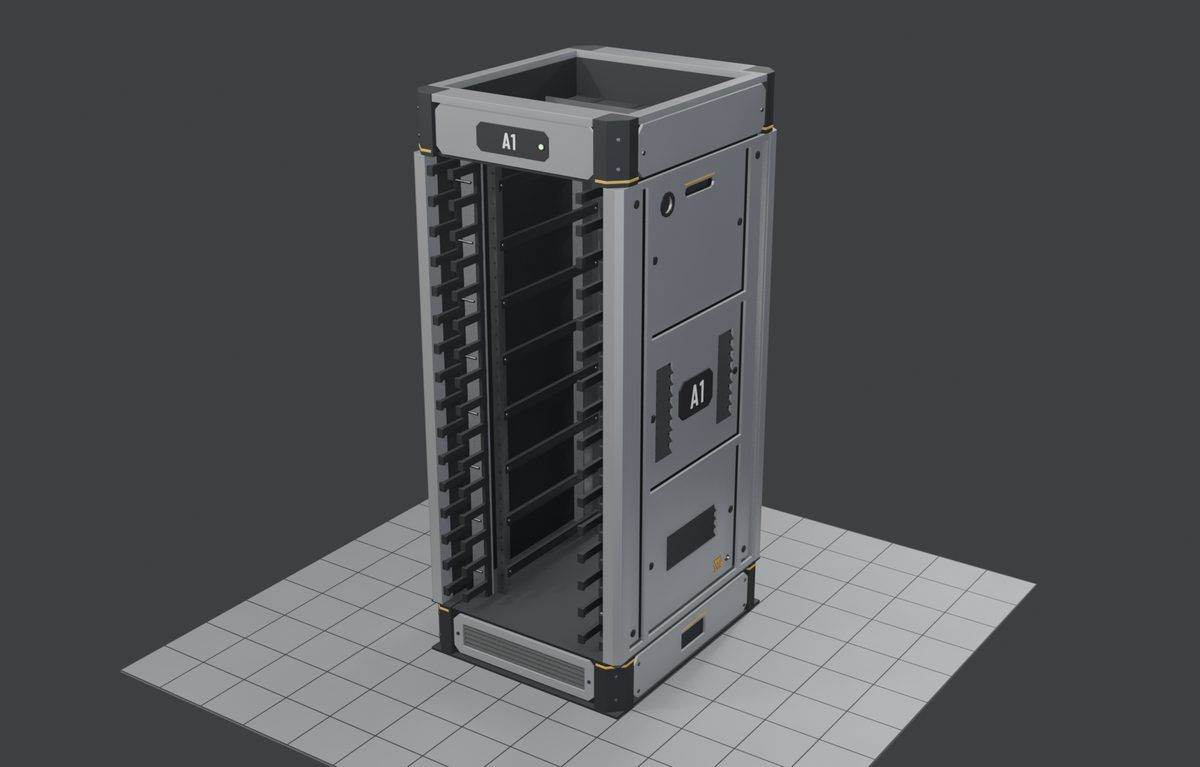
First rack model
The first real 42U open-frame model. It's 1 m wide so a 2-cell server sits centred with room on the sides, but the bare side panels, drawer-like slots and busy cable combs still needed work.
-
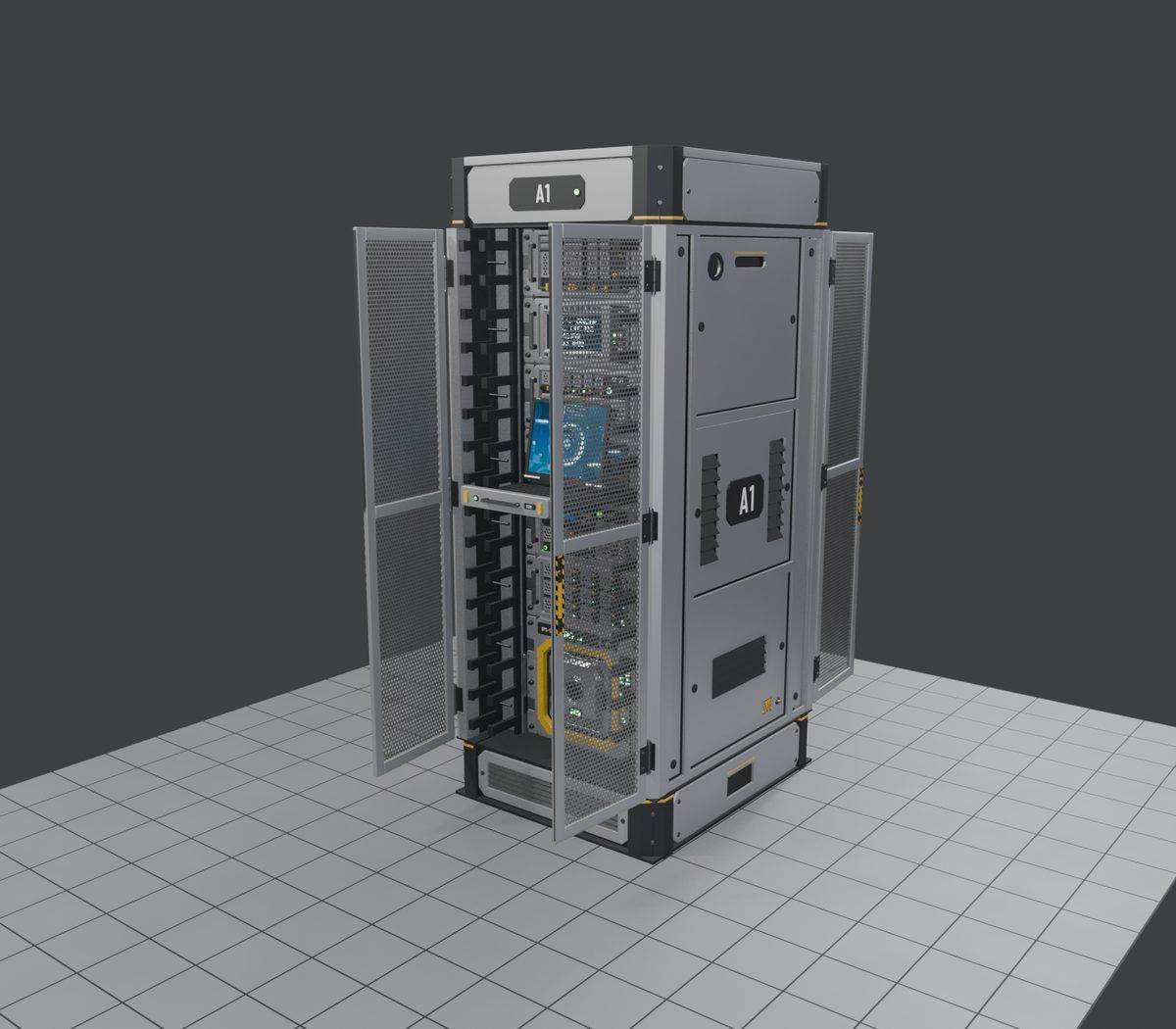
Doors added
Front-door and front-and-rear-door versions with hinged perforated doors. The fan tray and the recessed door handle were reworked after a first review.
-
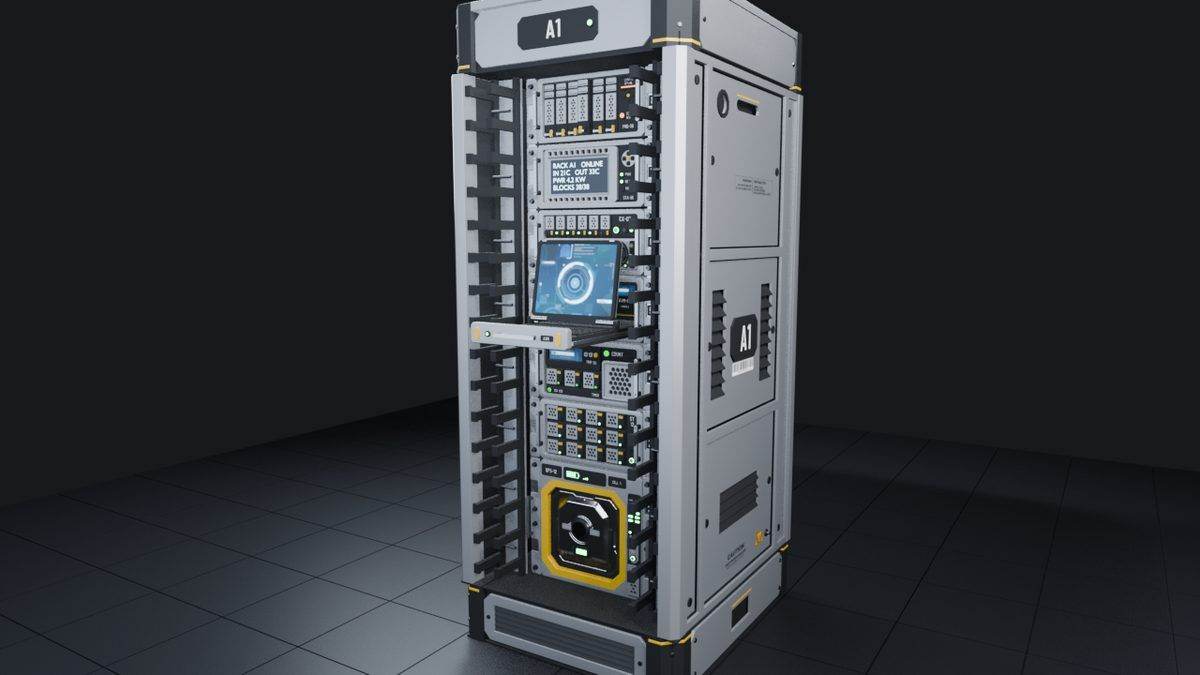
Feet and fan tray
Feet, stickers and a fan tray went on the full racks. The side panels stayed plain for now because the model had hit its polygon budget.
-
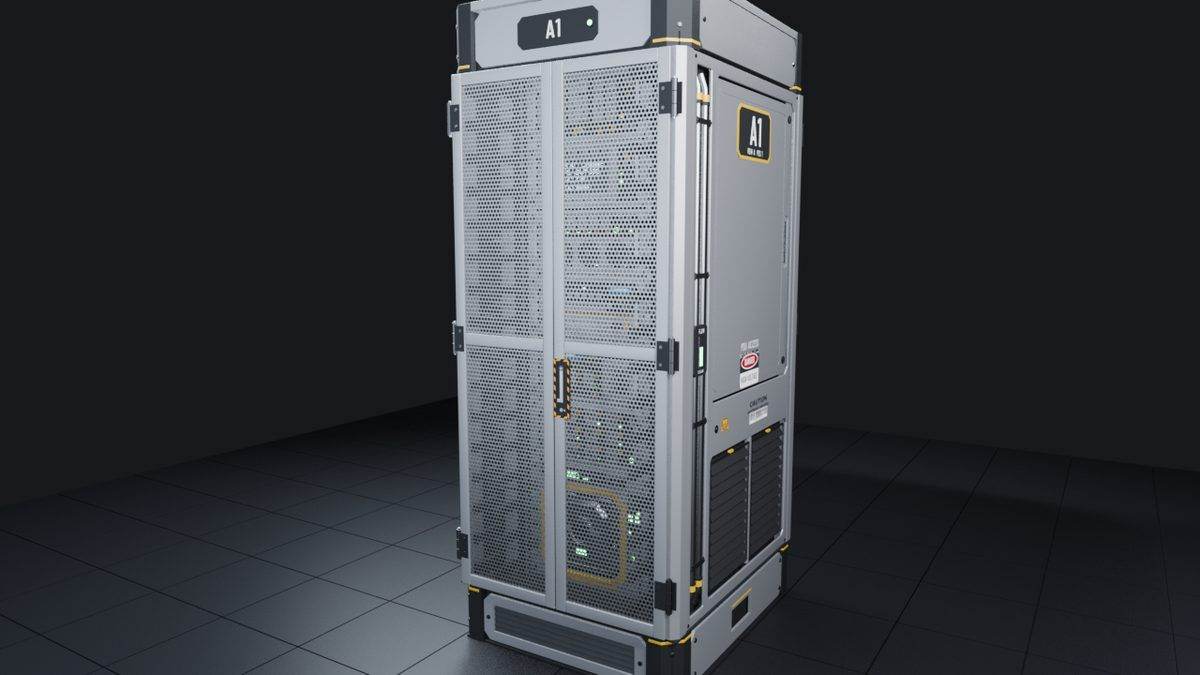
Side detail
Moving the side detail into its own part freed about 4,400 triangles, enough for a side hatch, a placard, coolant pipes, a flow meter and a vent.
-
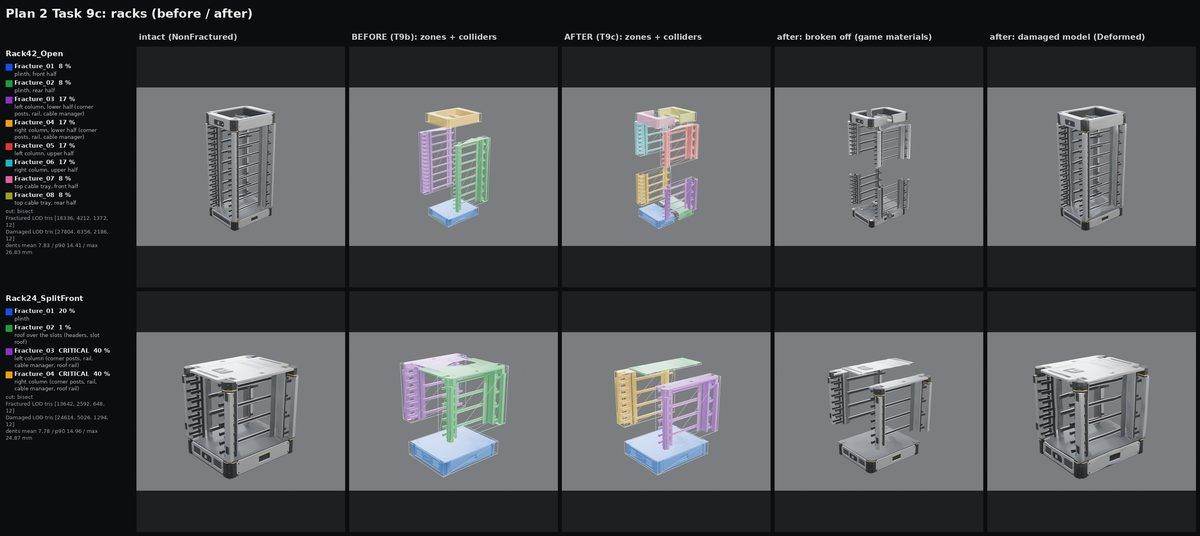
Breakable sections
The racks got seam caps and their own damaged models, so the 42U rack breaks in 8 sections and the 24U rack in 4, the same way the game's own blocks do.
-
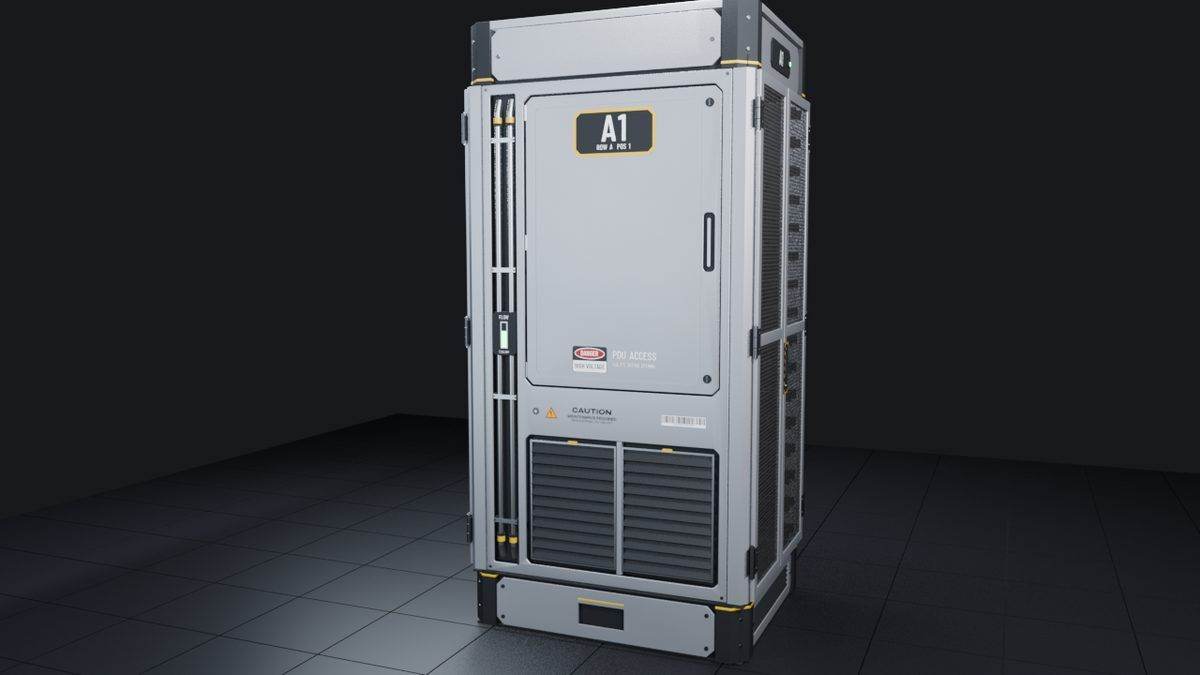
Fix: flickering decals
Decals on the rack side and where the doors meet flickered in game. They were lifted slightly off the surface to stop it.
-
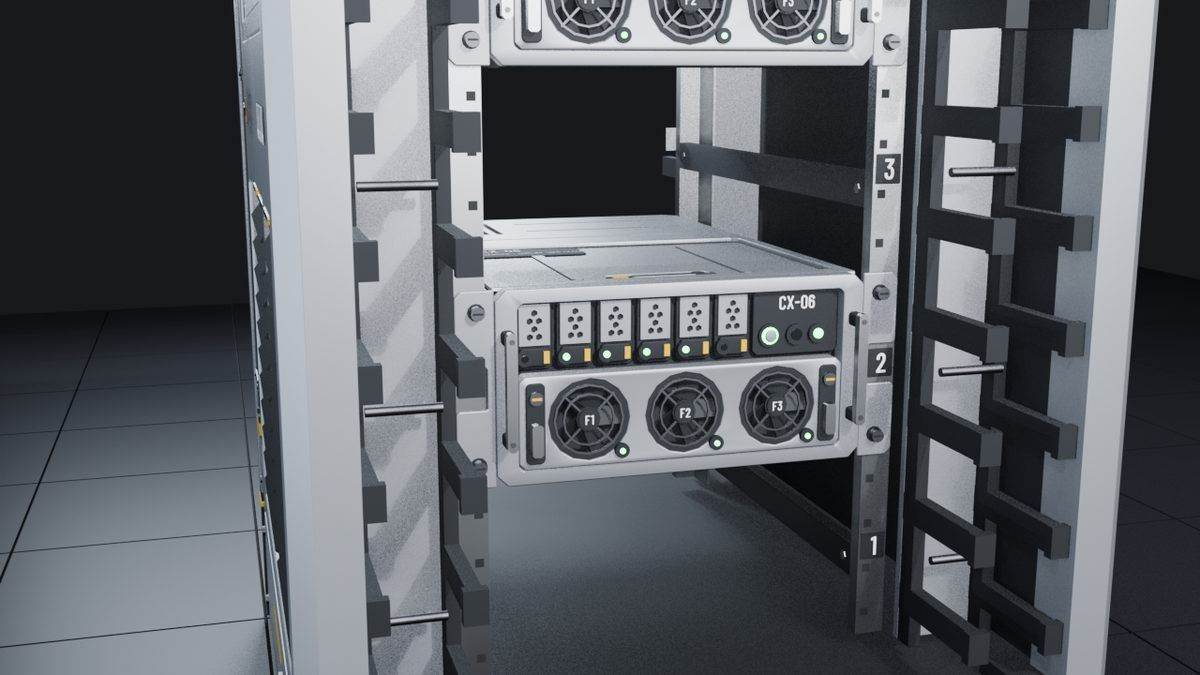
Fix: servers fit
Servers couldn't be placed in the rack at first. Opening up the front and back and adding a hidden 2 cm stop at the rear lets a server seat on the rails.
-
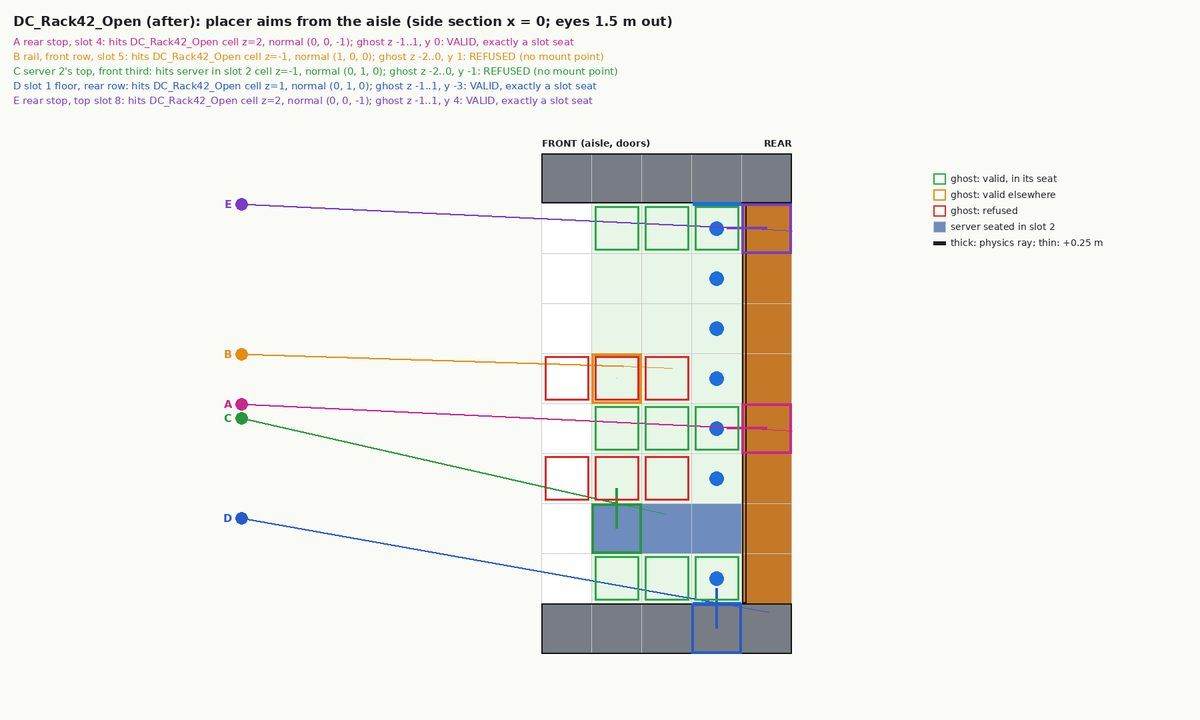
Why servers wouldn't fit
The rack's front and back were treated as solid, which boxed in the 42U slots so the placement aim never reached them.
-
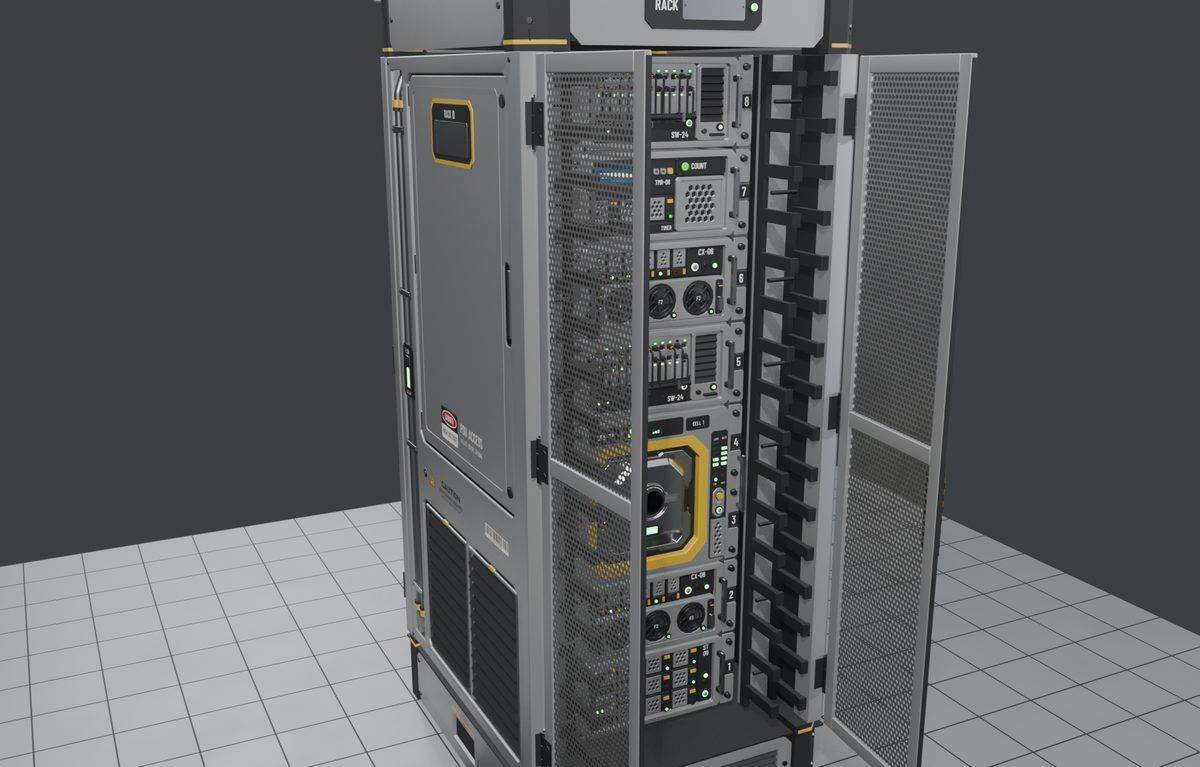
Rails and power strips
Once the racks sat in the full room, they got a containment rail, vertical power strips and a plain placard.
Servers (deco and functional)
The rack servers, from the first mockup lineup to the working blades, the KVM drawer and the finished, breakable set.
-
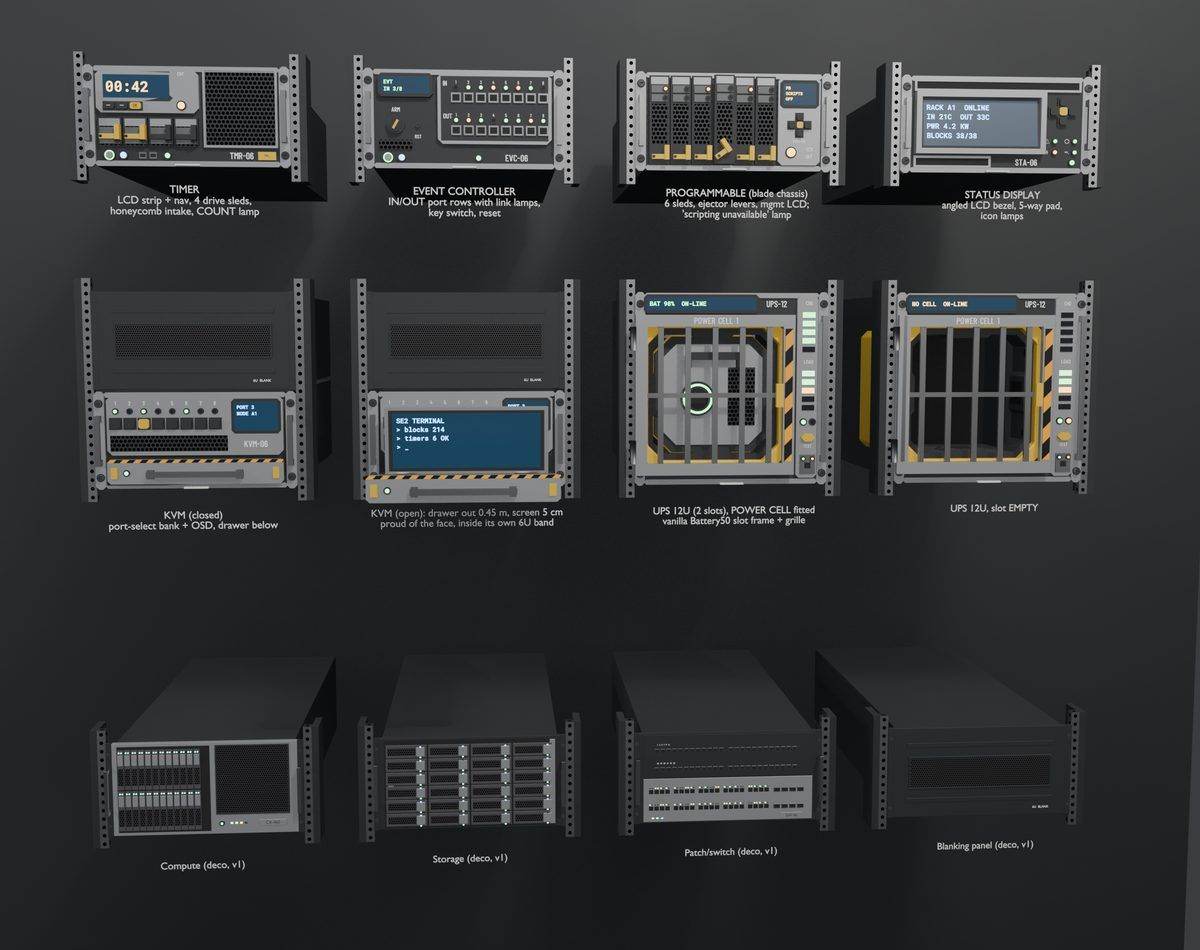
Mockup lineup
Every server laid out and labelled: the KVM closed and open, the UPS with a battery cell, the working blades and the decorative compute, storage, switch and blank blades.
-
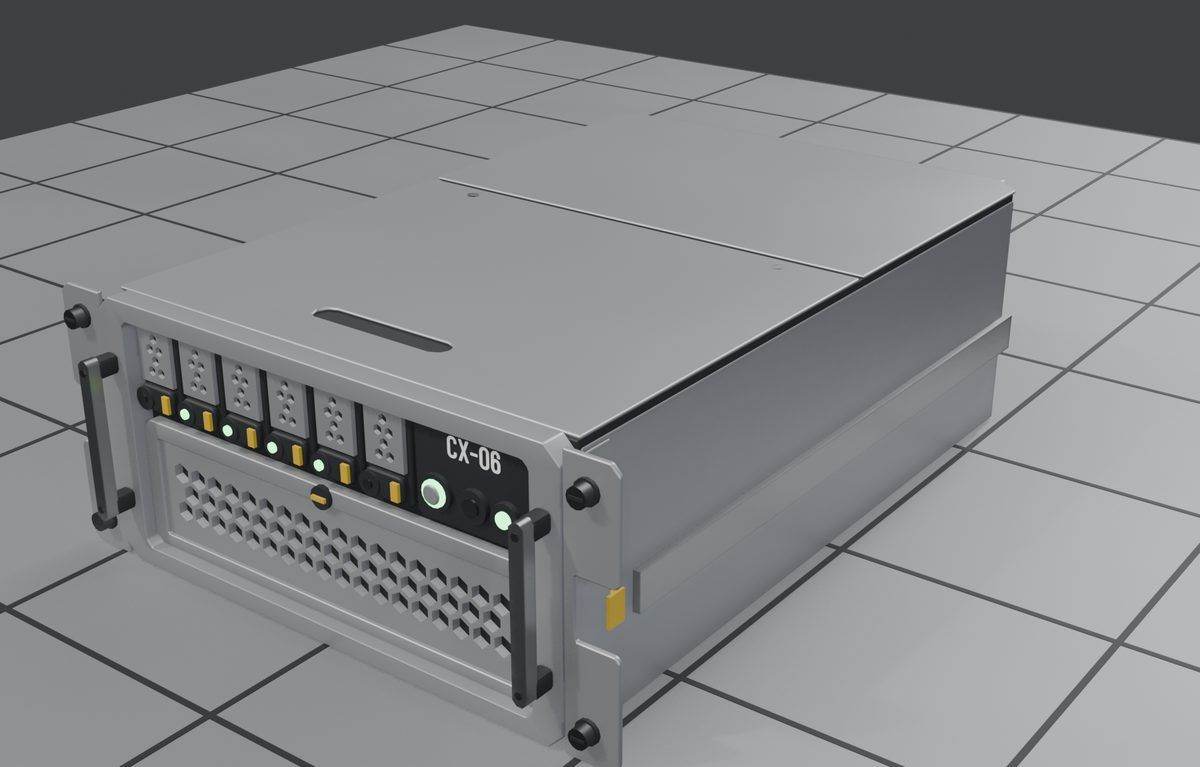
First decorative servers
Compute, storage, switch and blank blades, three cells deep, with rack ears that can hang over the cell edges.
-
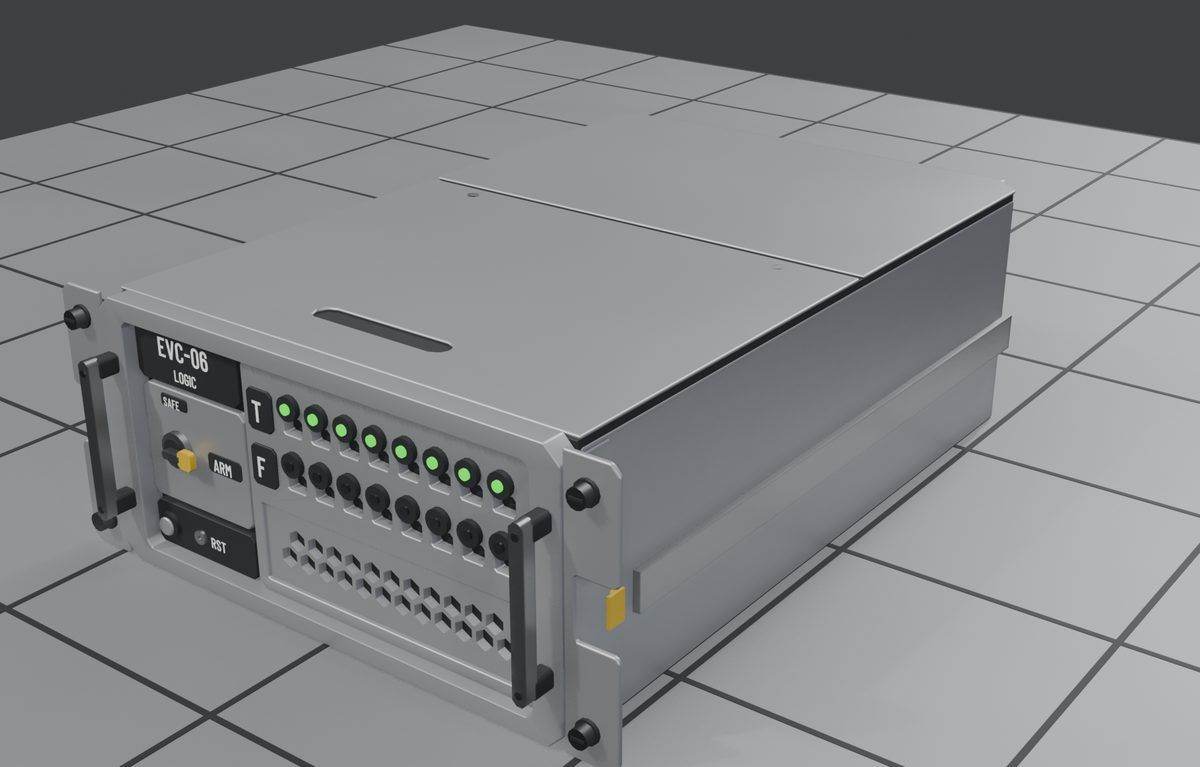
Working blades
Timer, event controller and status display servers with readable faces and indicator lamps. They mount in the rack without needing an open front face.
-
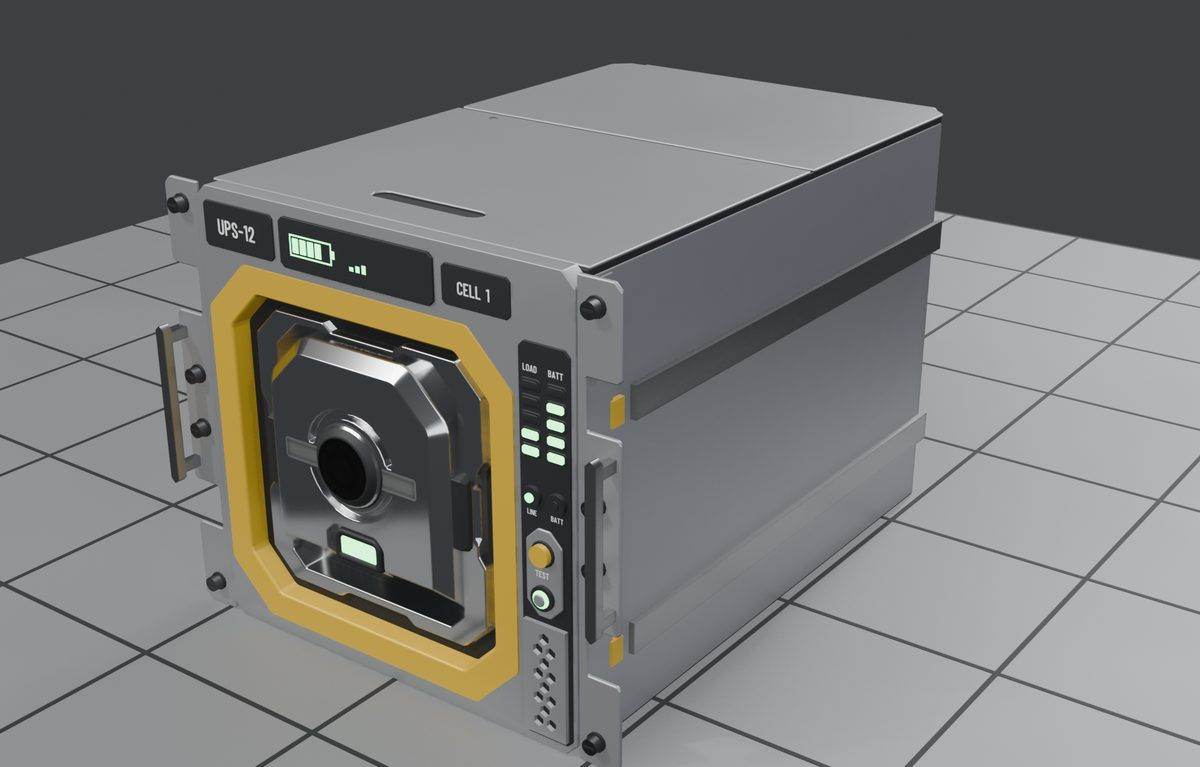
The UPS
A 12U UPS whose cell bay is modelled to match the game's battery. A second cell bay opens on the back.
-
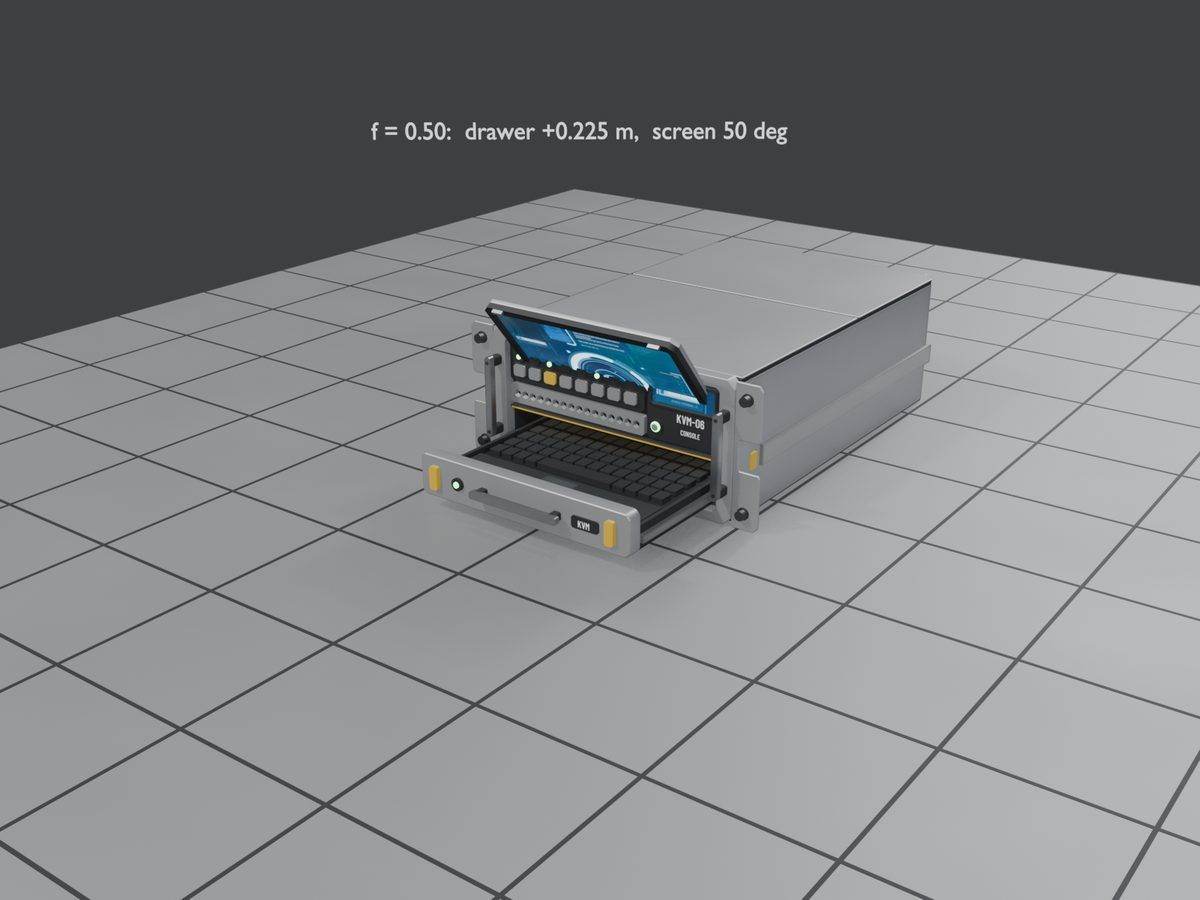
KVM drawer
The KVM gets a pop-out keyboard drawer and flip-up screen. An On/Off toggle was added so it opens and closes when the player switches it.
-
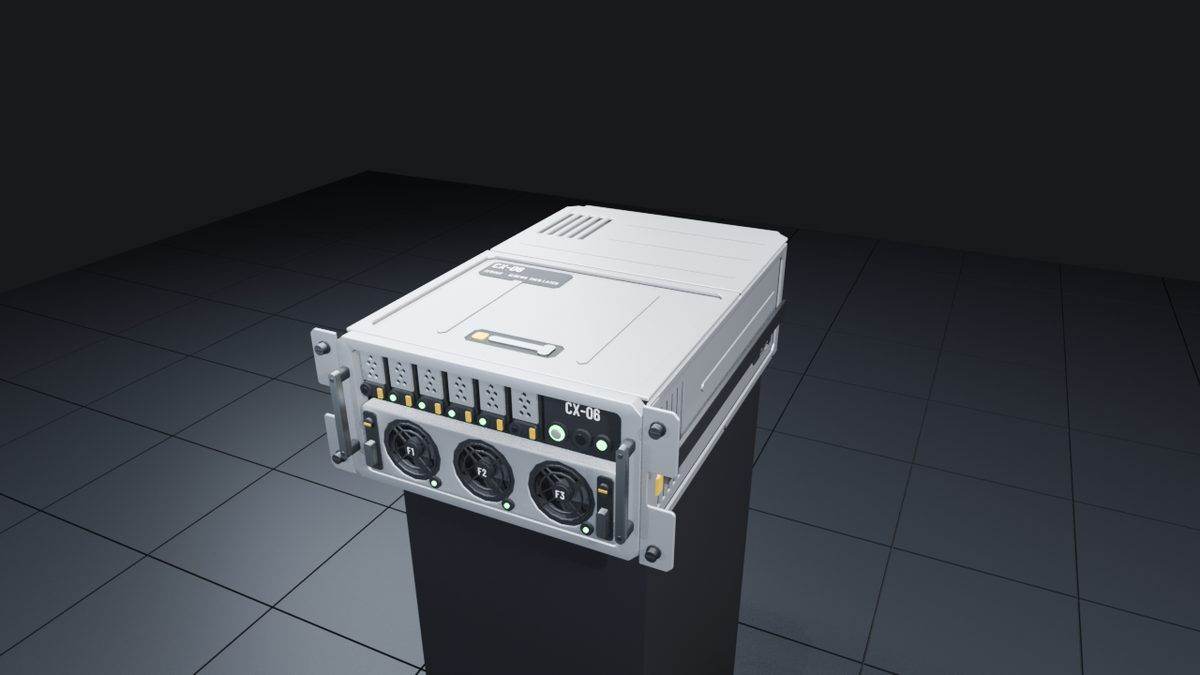
Lids, sides and rears
Layered lids, sides and backs on every server. The compute server gained a fan wall and the switch got patch cables.
-
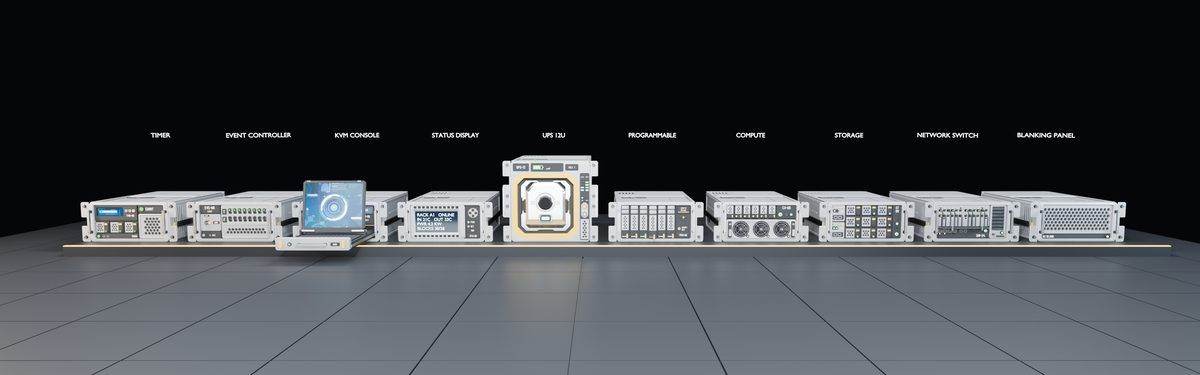
Full server lineup
The whole server range side by side after the detail work.
-
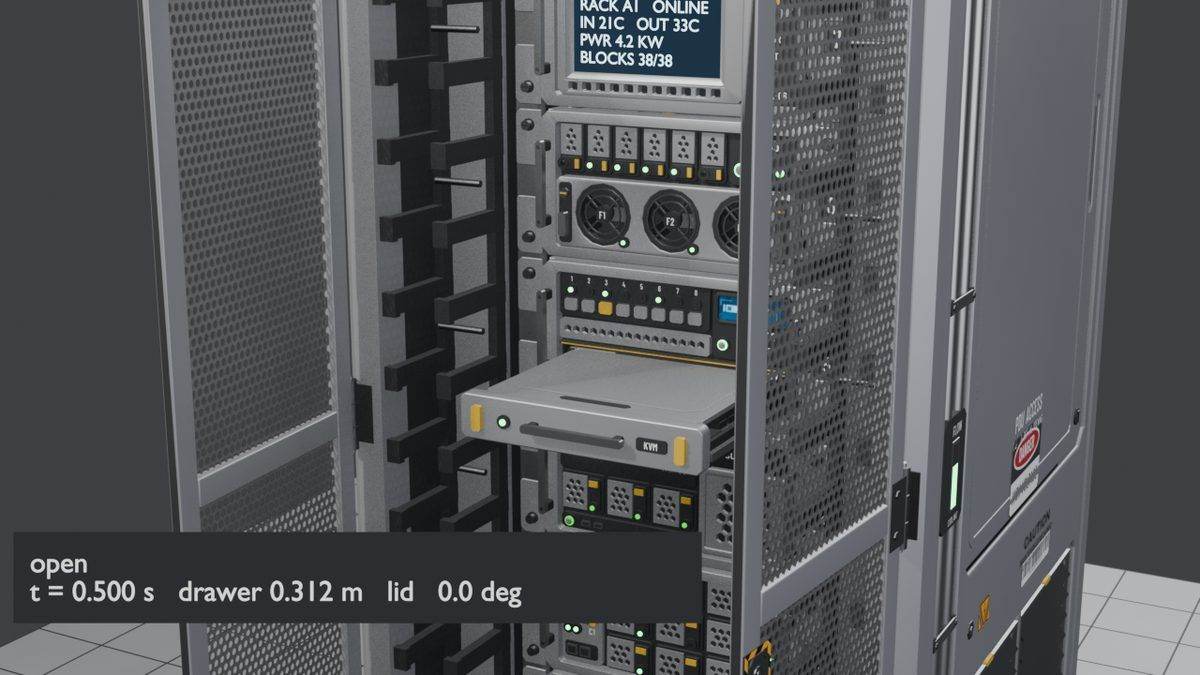
KVM opening: slide
The KVM opens in sequence. The drawer slides out first, 0.312 m by the half-second mark, and then the lid starts to lift.
-
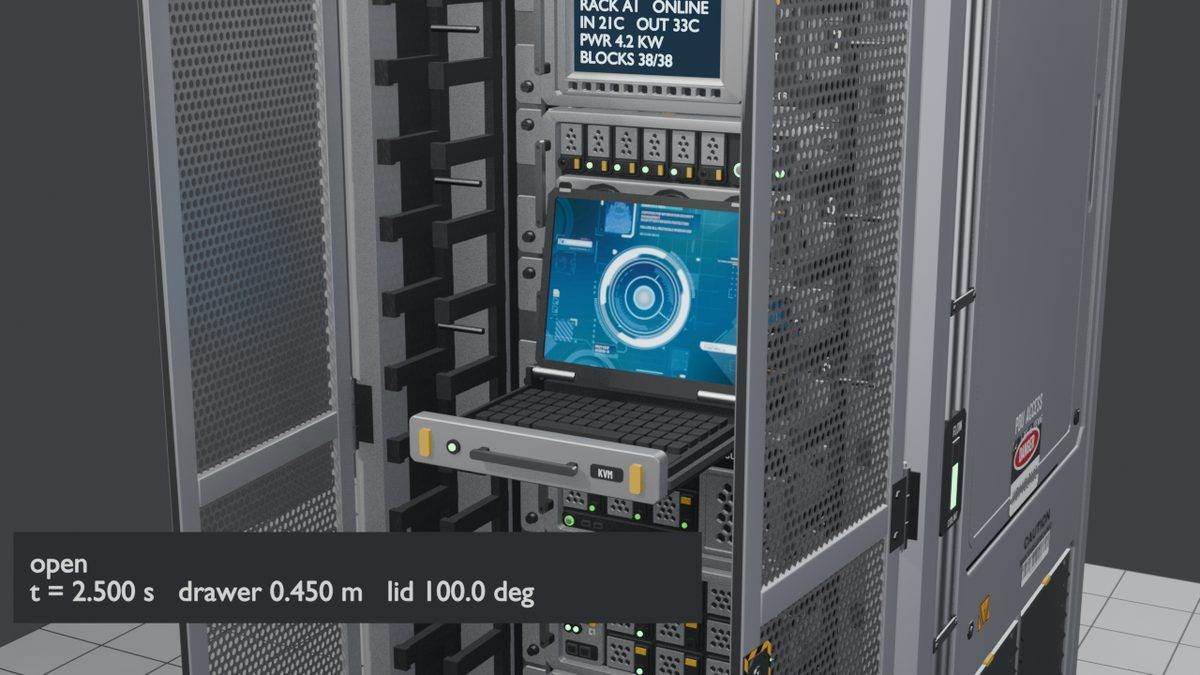
KVM opening: fully open
Fully open, the drawer is out 0.45 m and the lid sits at 100 degrees. Opening takes about 2.35 s, closing 1.78 s, and a quick stow 0.6 s.
-
Breakable sections
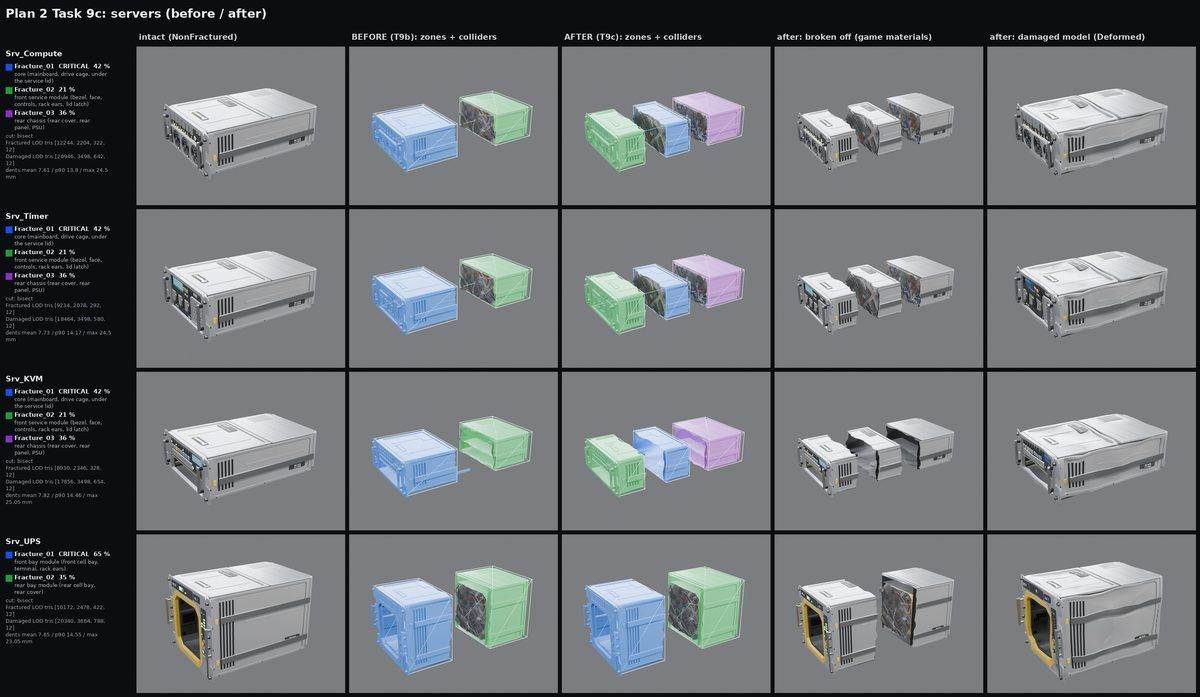
Each server now breaks in three sections (core, front and rear), with dented damaged versions kept to about twice the detail of the broken ones.
Cable trays
The overhead cable trays, from the first mockups to a full set of straights, bends, tees, crossings, reducers and drops that can break apart.
-
First mockup
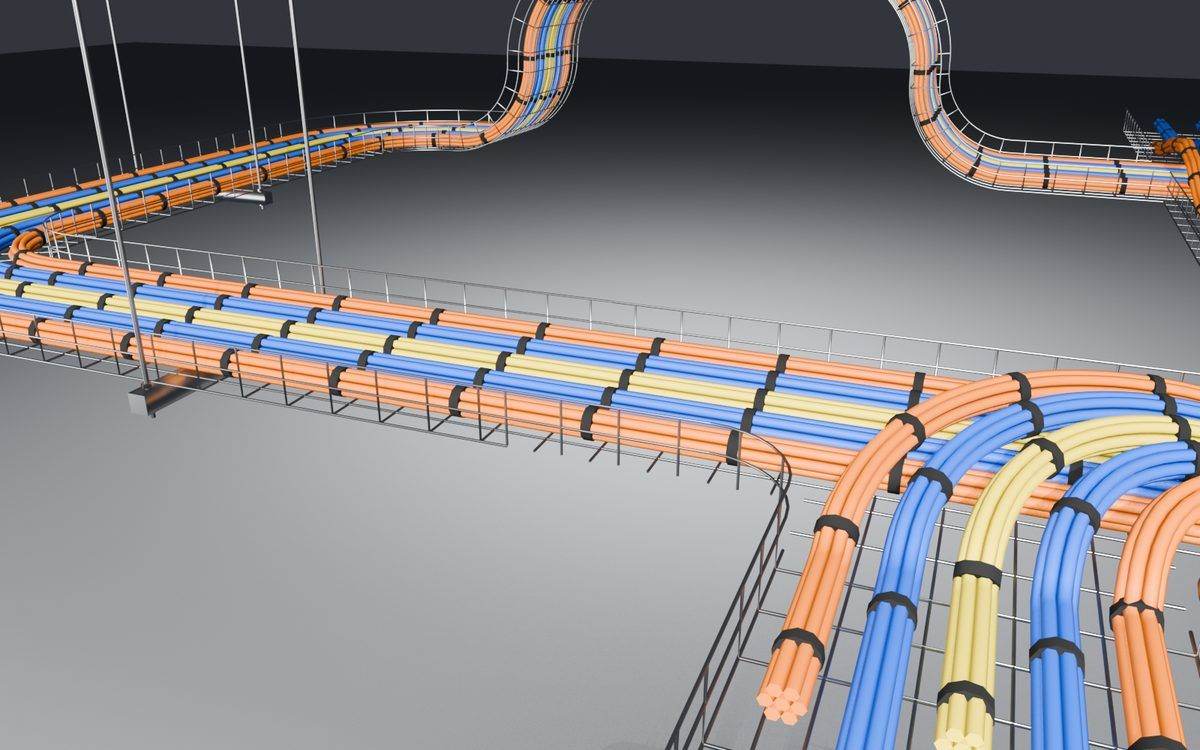
A quick look at how dense the trays should be, how a tee joint works and how cable bundles route through it.
-
Reducers and long drops
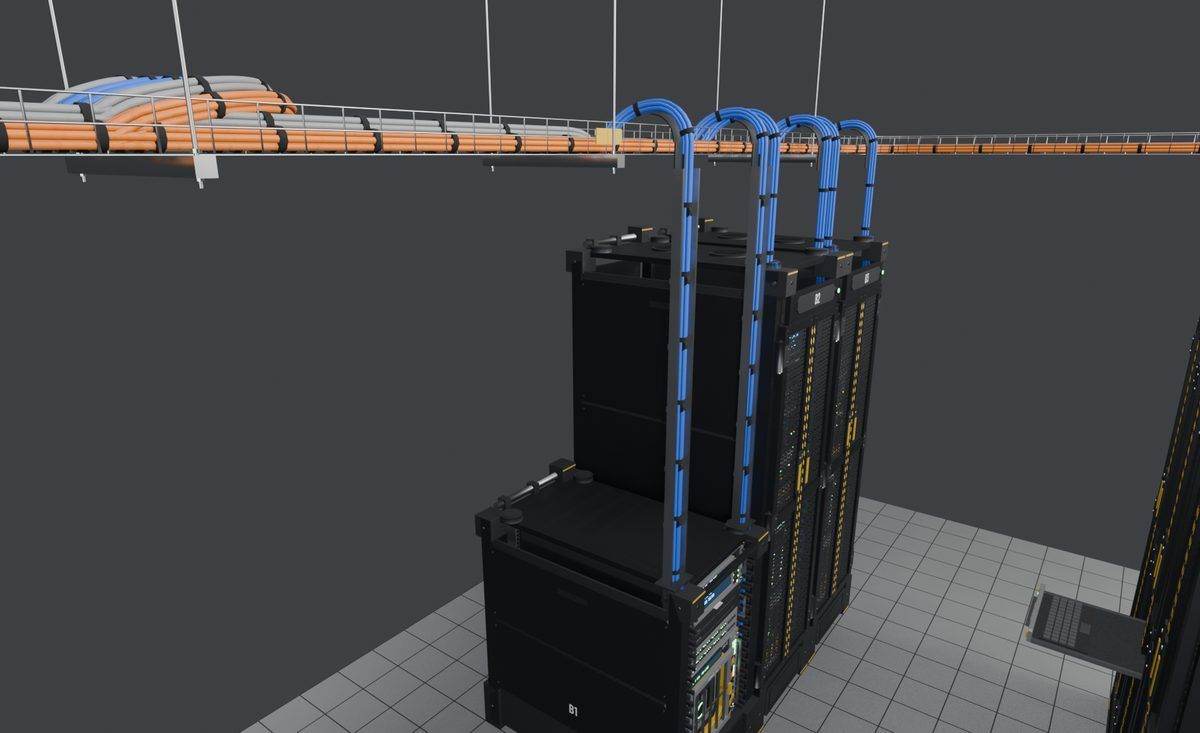
Two rack rows across a 1.5 m aisle, with a tee, a tray narrowing from full to medium, drops into full racks and a long drop down to a half rack.
-
Junction sketches
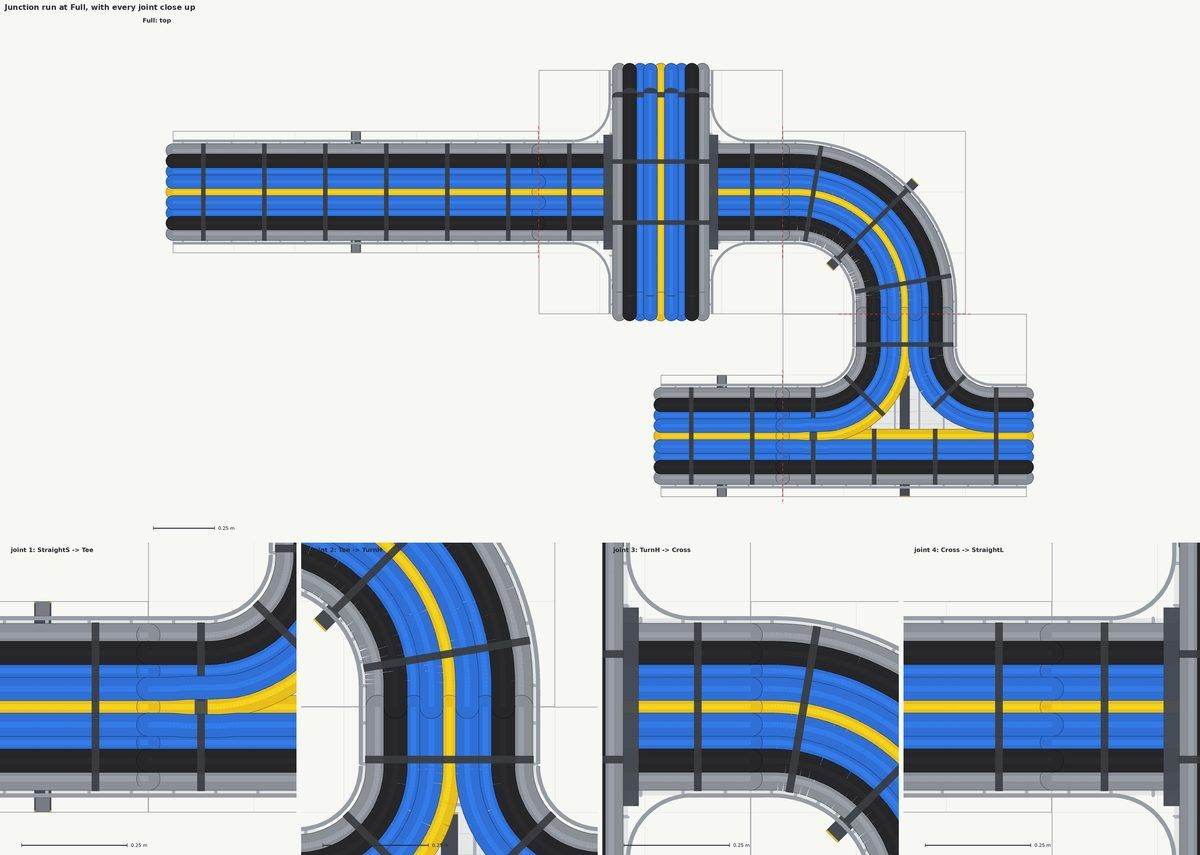
Flat plans for how cables turn at a tee in grouped bundles, like a real tray tee, and how one run crosses over another.
-
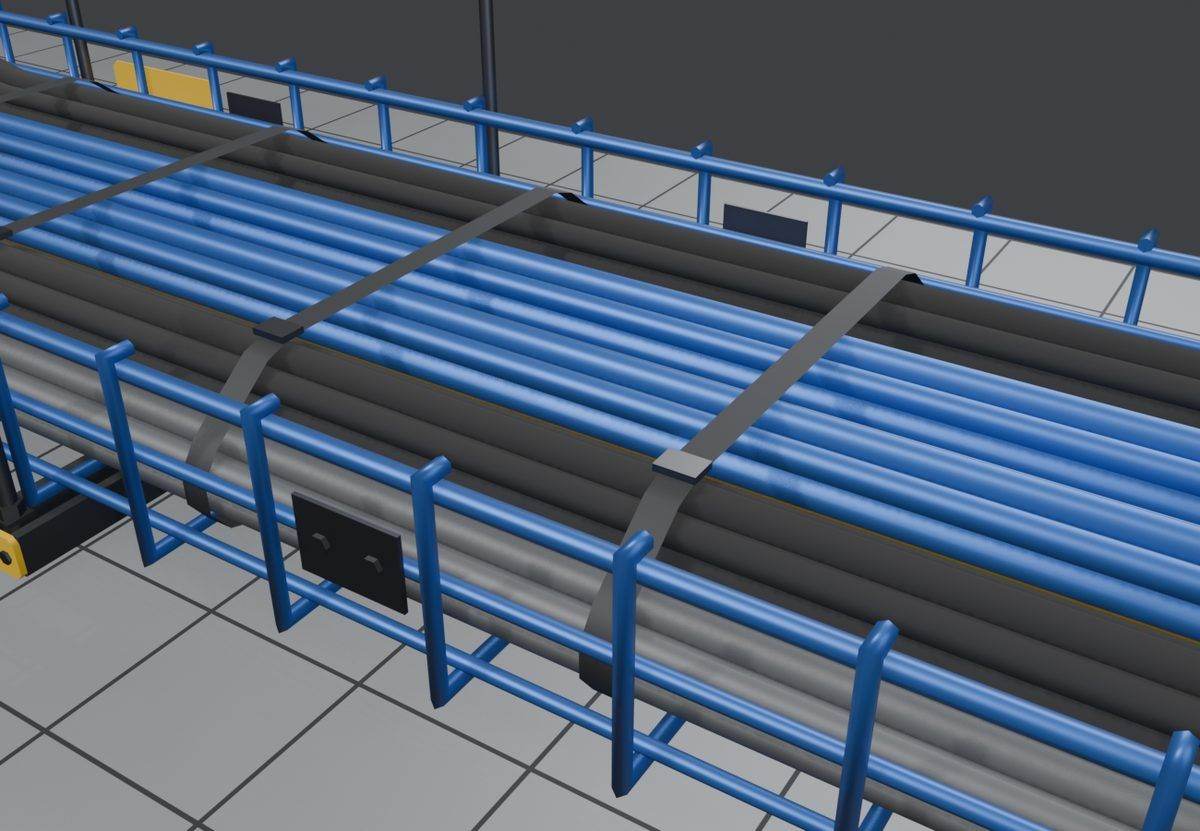
First 3D trays
The first straight trays with strapped data bundles in a wire basket. Painting the basket also painted the cables, and the cables looked like smooth pipes.
-
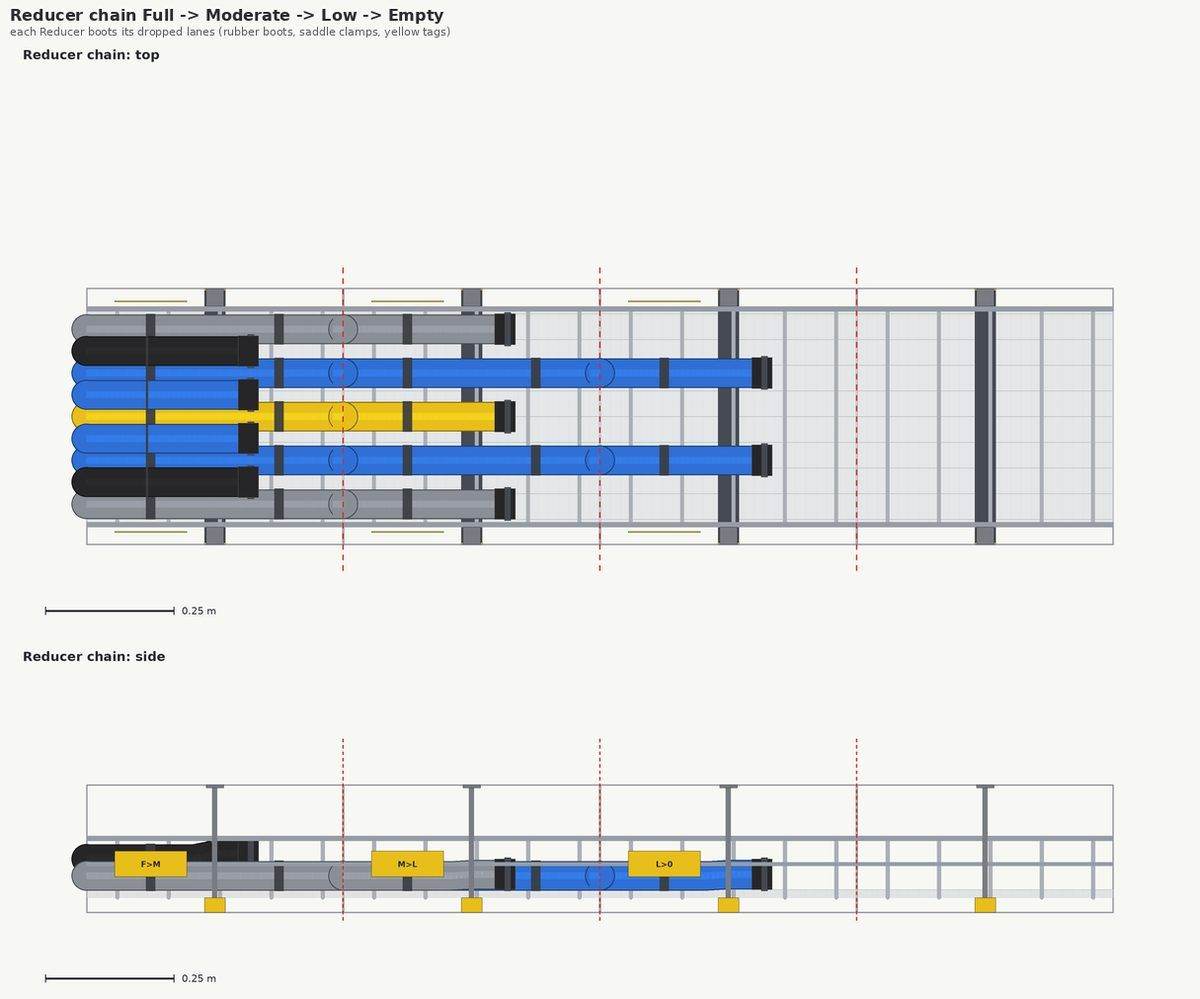
Lane sketches
Flat plans for how many cable lanes each tray width holds and how they step down through the reducers, drawn before any 3D model.
-
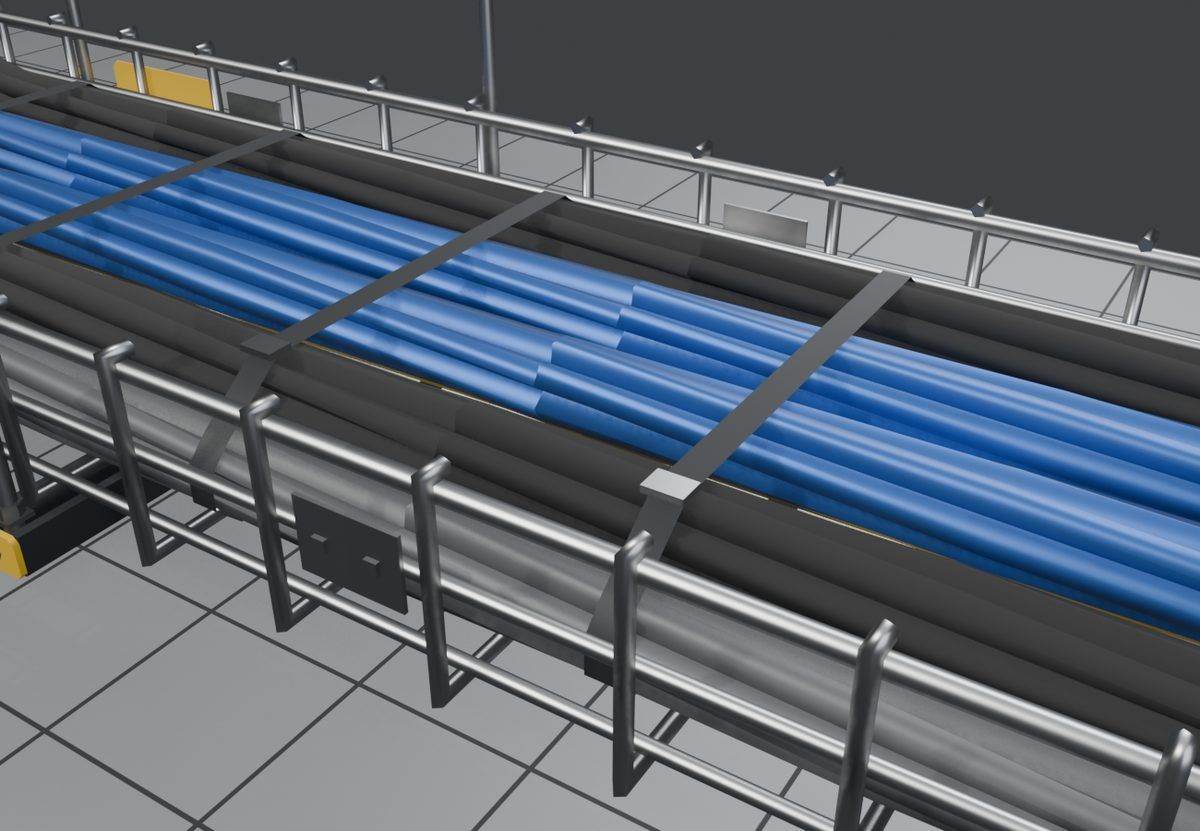
Metal basket, paintable cables
The basket and hardware are now bare brushed metal and only the cables take paint. The cables got a proper twist, one turn every half metre, and the straps were cinched tight.
-
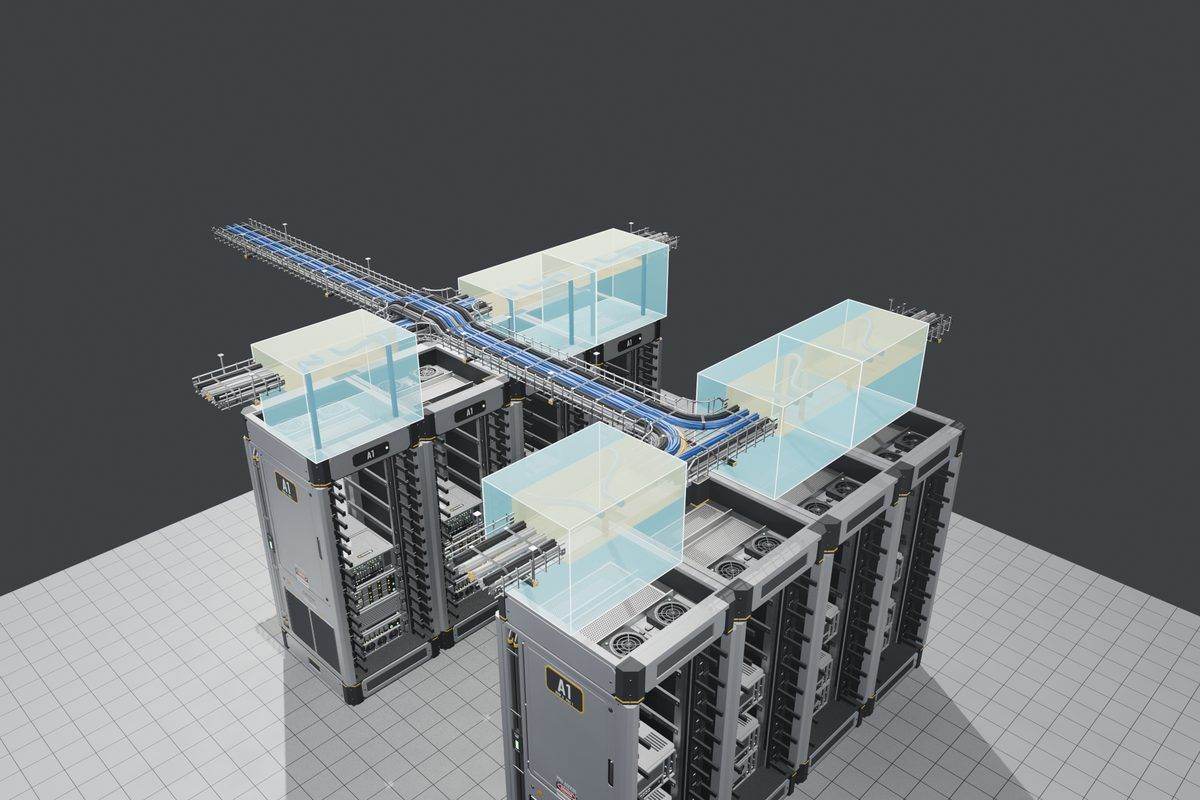
Tees and crossings
Tees, four-way crosses and a crossover saddle with cable ties, laid out over a row of racks.
-
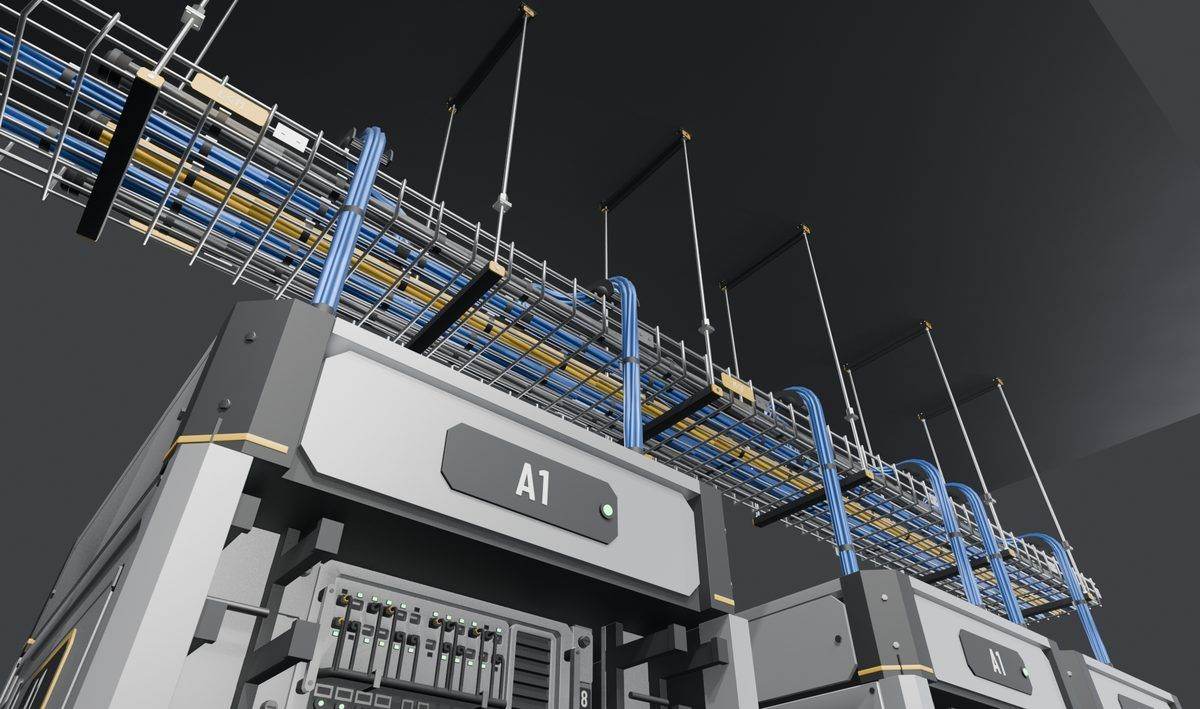
Drops and hangers
Cables now spill down over a curved guide, pass through grommets into the rack brush plates, and the trays hang from ceiling rods.
-
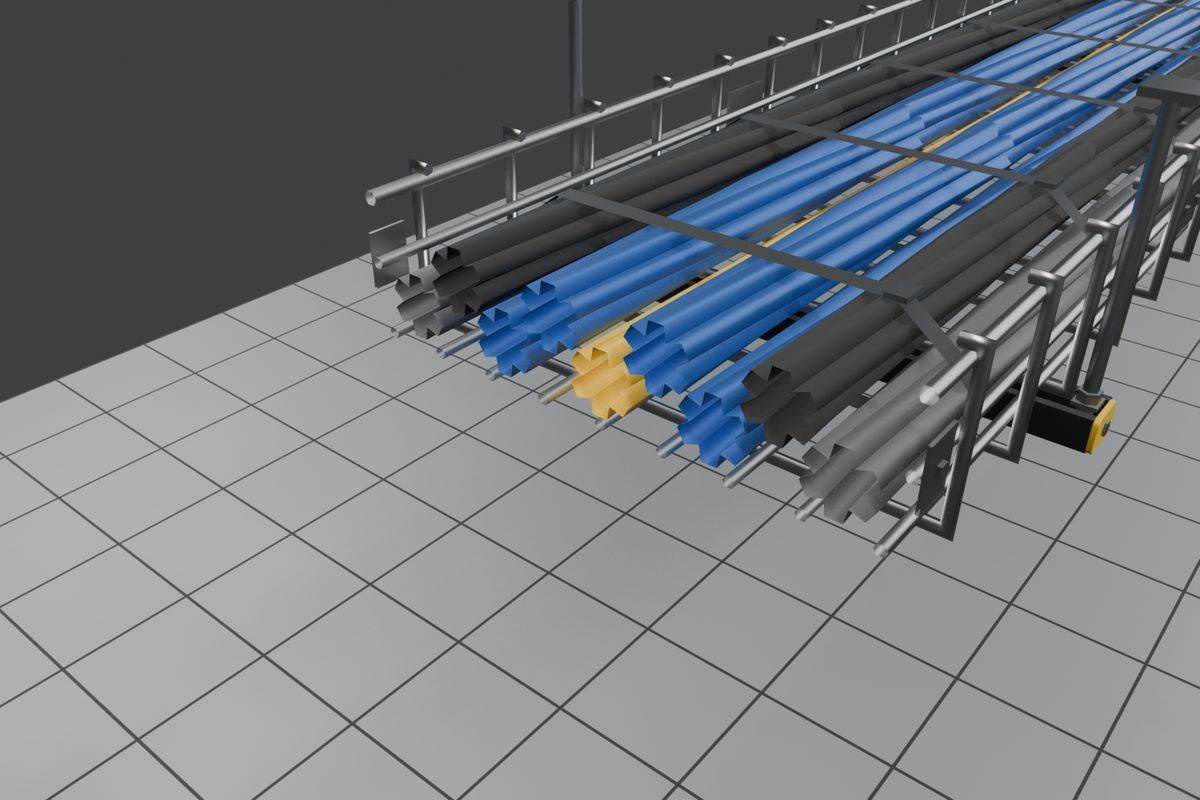
End caps and smoothing
End caps on 34 of the 38 pieces, a tie where a branch splits off, and smoother shading on the twisted cables so they stop showing stripes.
-
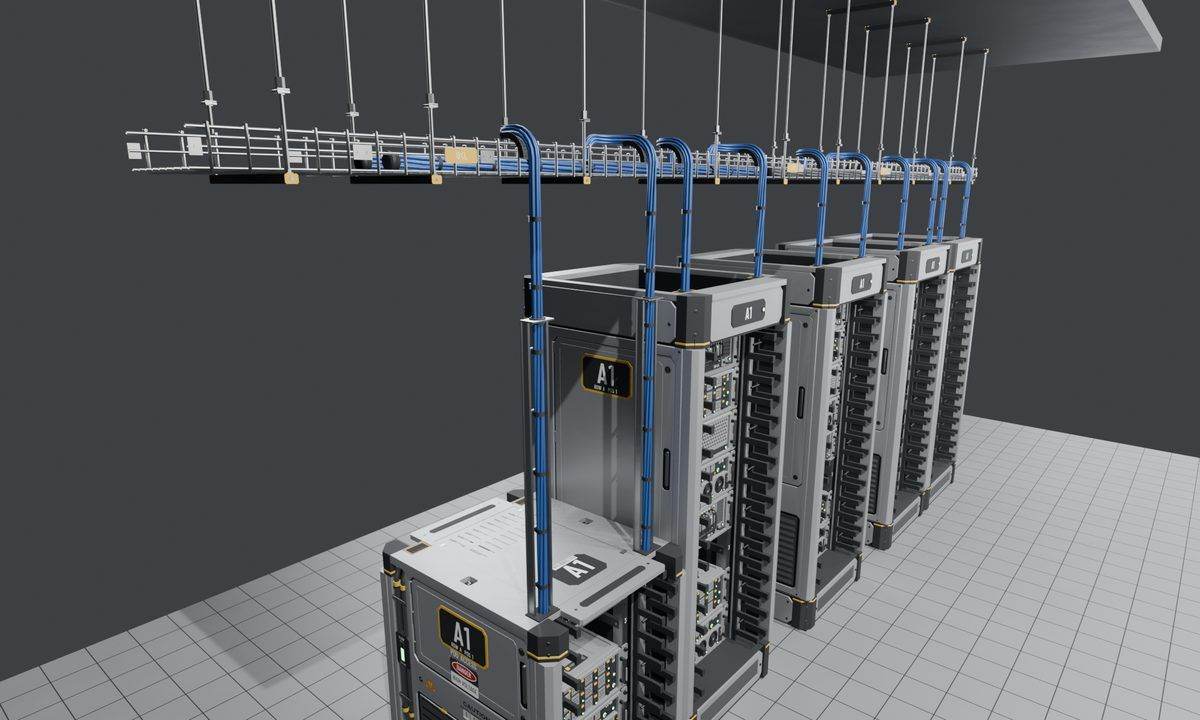
Mockup matched
The finished tray run shot from the same angle as the earlier mockup, with drops feeding into a row of racks.
-
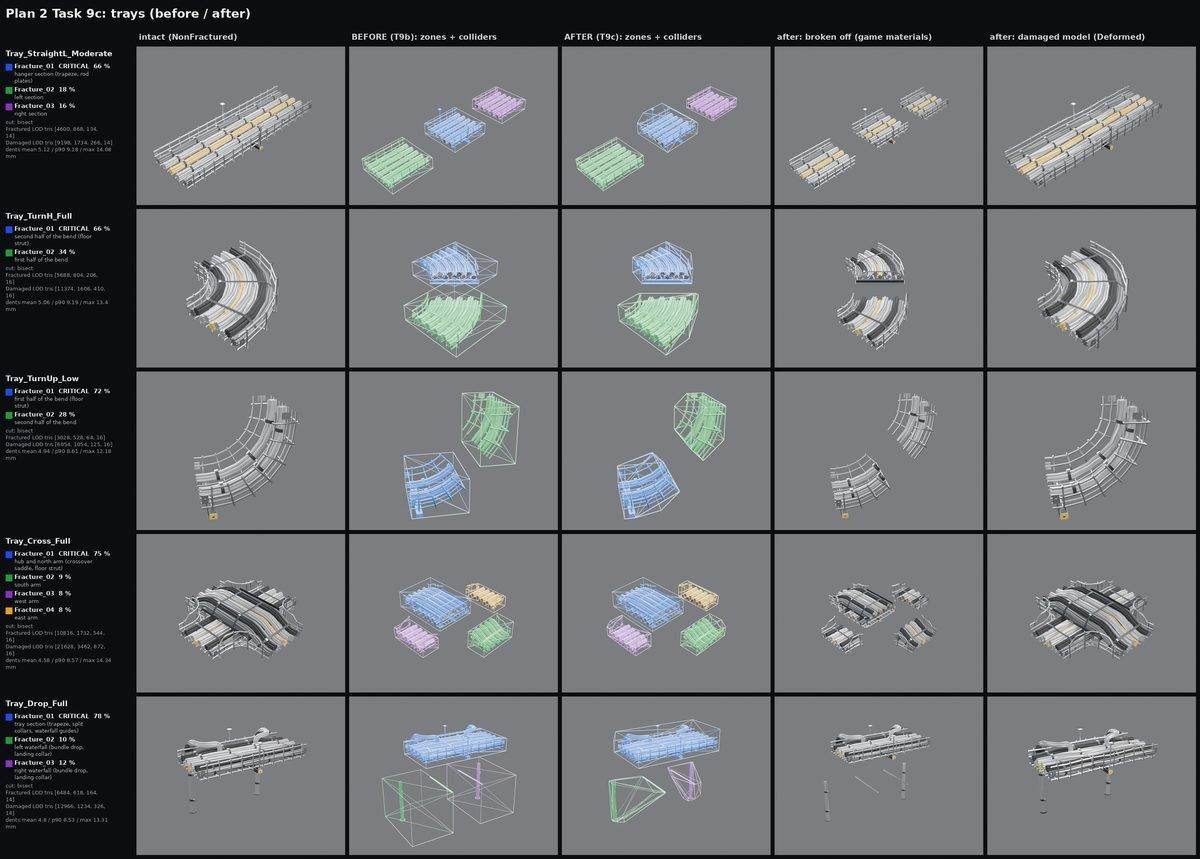
Breakable sections
All 34 breakable tray pieces split into 2 to 4 sections and have damaged versions. They're structural, so no single hit takes one out.
Room: floor, containment and doors
The raised floor, aisle roof panels and sliding aisle doors, from the first mockups to a finished hall with enclosed aisles.
-

First mockup
Glass aisle walls and doors next to a cooling unit and a KVM terminal, in the very first mockup.
-

Restyled aisle mockup
The same aisle restyled with the game's own stencils, hazard stripes on the door edges and neutral lighting.
-

Room layouts
Test rooms with 1.0, 1.5 and 2.0 m aisles in hot and cold versions, put together from existing pieces before any new parts were made.
-
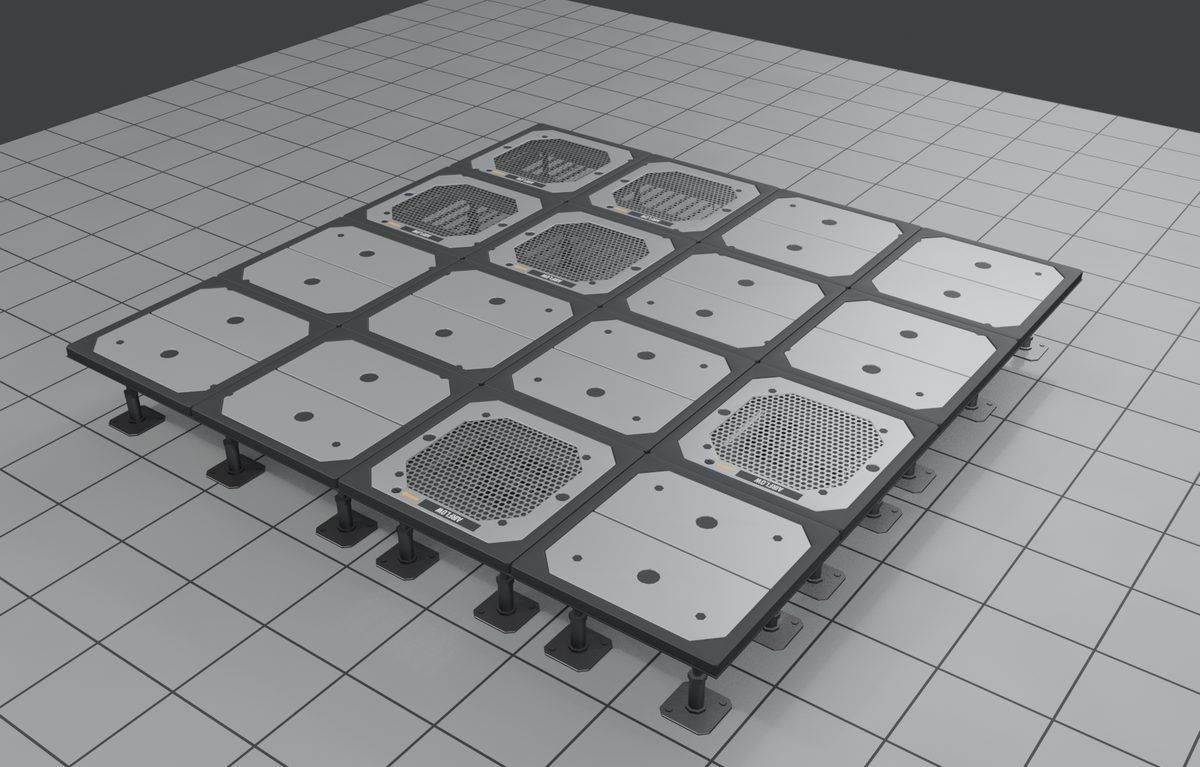
Raised floor
Solid and perforated floor tiles on pedestals. They break in two sections, the deck and the frame underneath.
-

Aisle roof
Frosted roof panels with LED light strips that clamp onto the rack rails. The glass and the frame break separately.
-
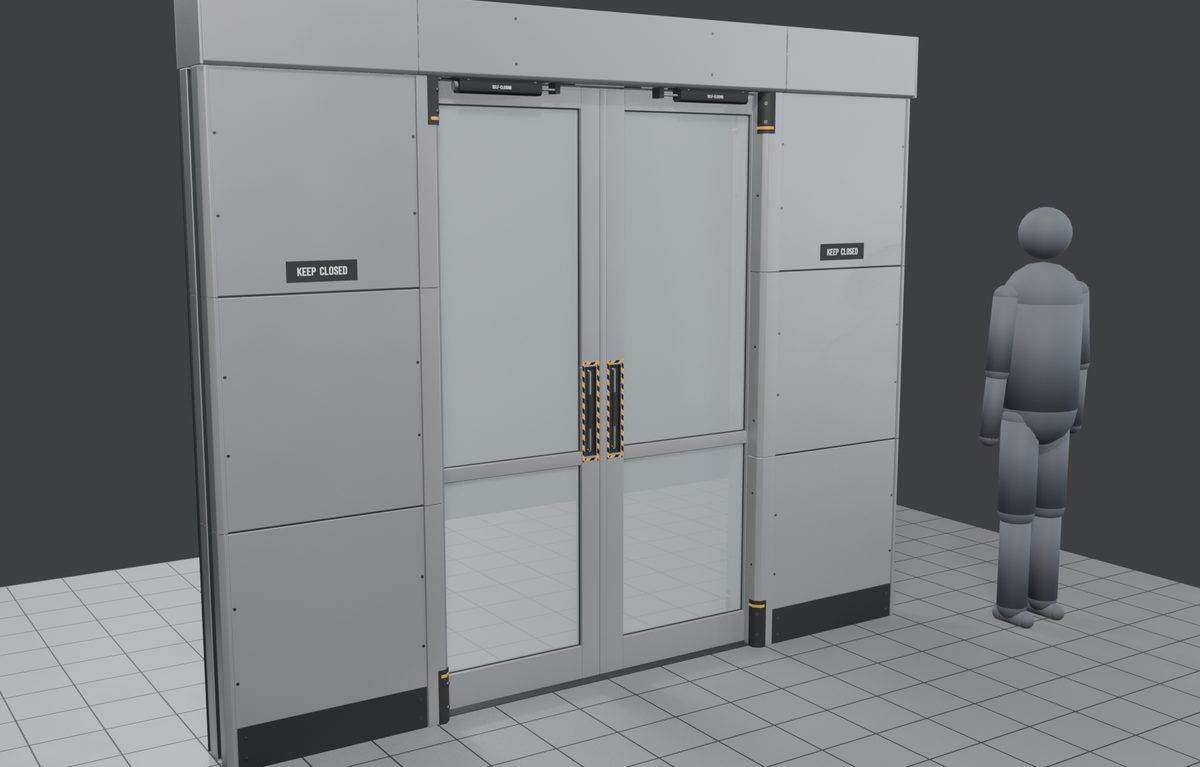
Sliding doors
Glass sliding doors that tuck into side pockets and only block you when closed. The door breaks in 8 sections.
-
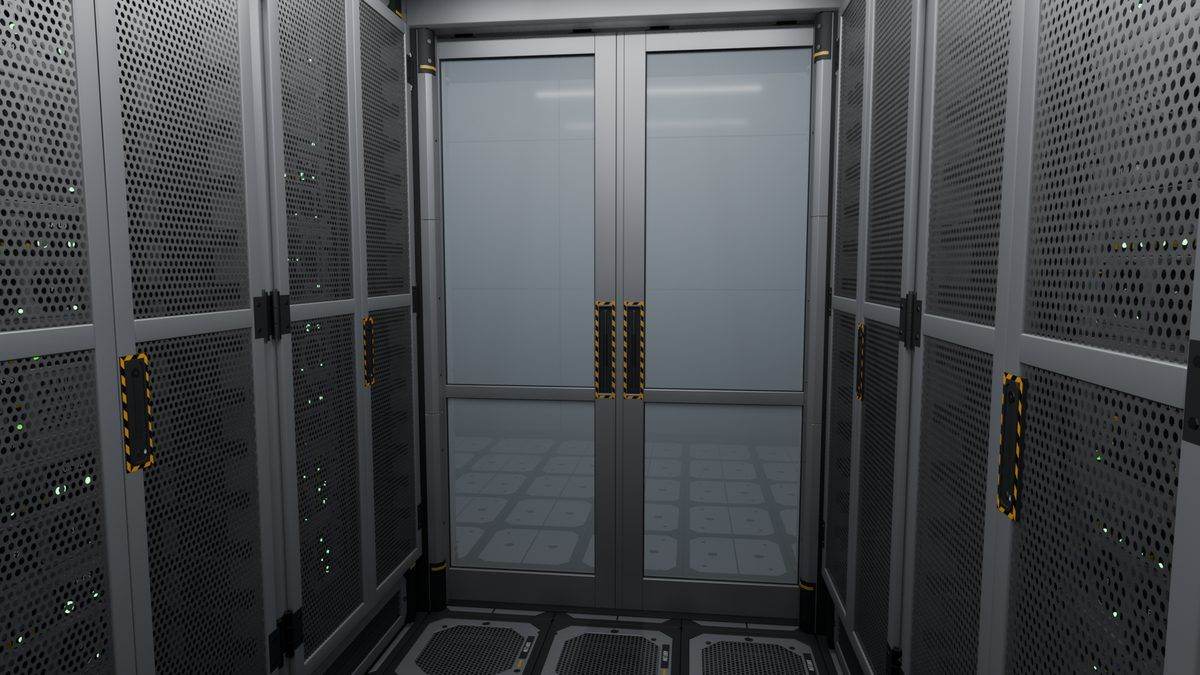
Door from inside
The sliding door seen from inside an enclosed cold aisle.
-
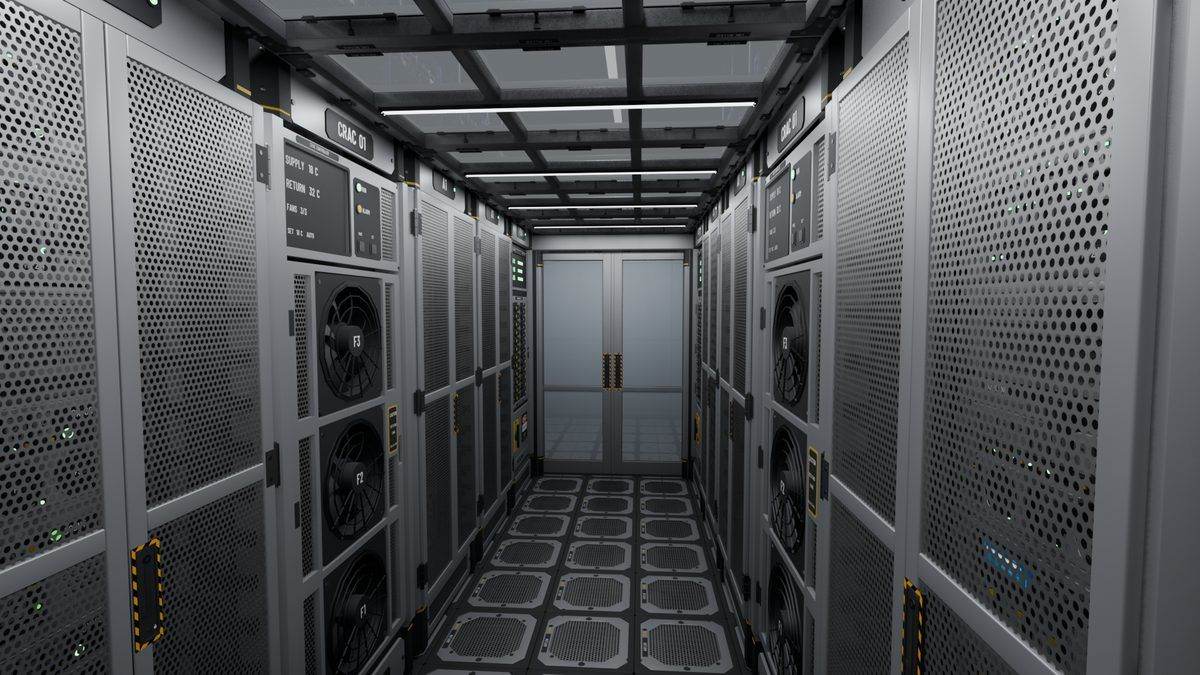
Fix: flicker and labels
Flickering surfaces and hard-to-read stencils were fixed, aisle labels were tidied up, and the joints between floor, roof and doors were lined up.
-

The finished hall
A cold aisle in the finished hall with two enclosed aisles.
Room: CRAC, PDU and signs
The in-row cooling unit, power cabinet, rack power strips and aisle signs, from the first mockup to the finished hall.
-
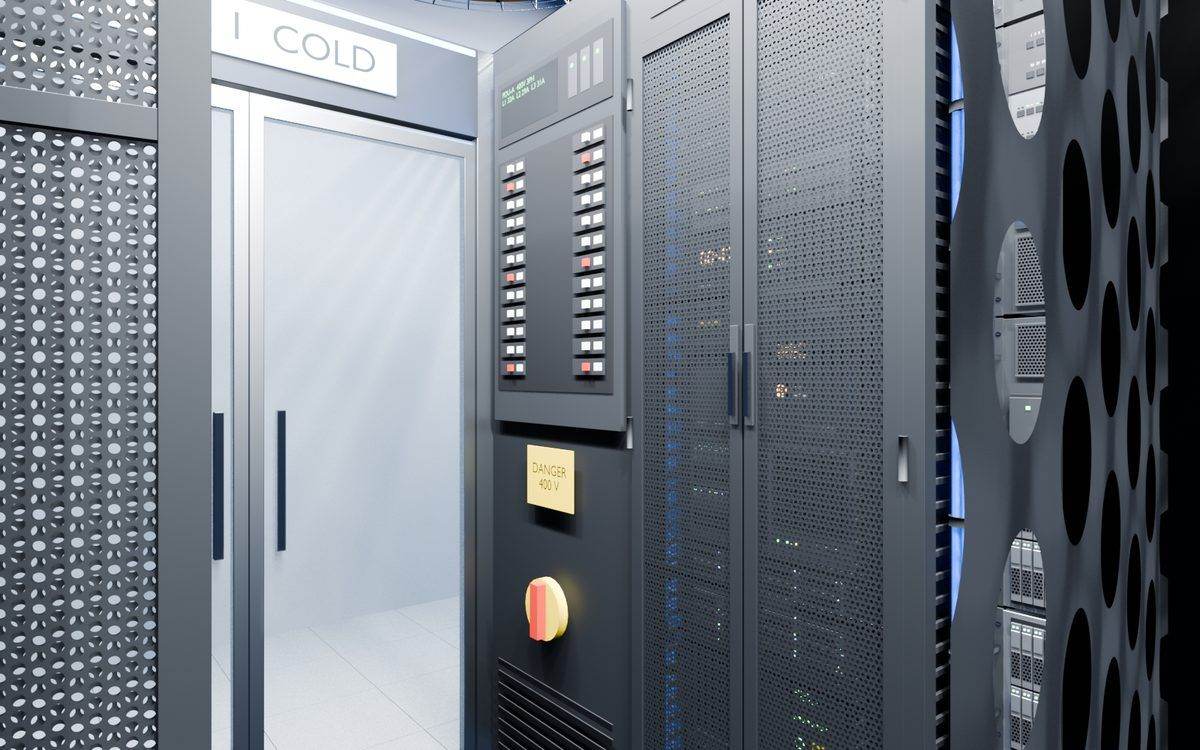
First mockup
A power cabinet with breakers and an emergency stop, standing next to the aisle door.
-
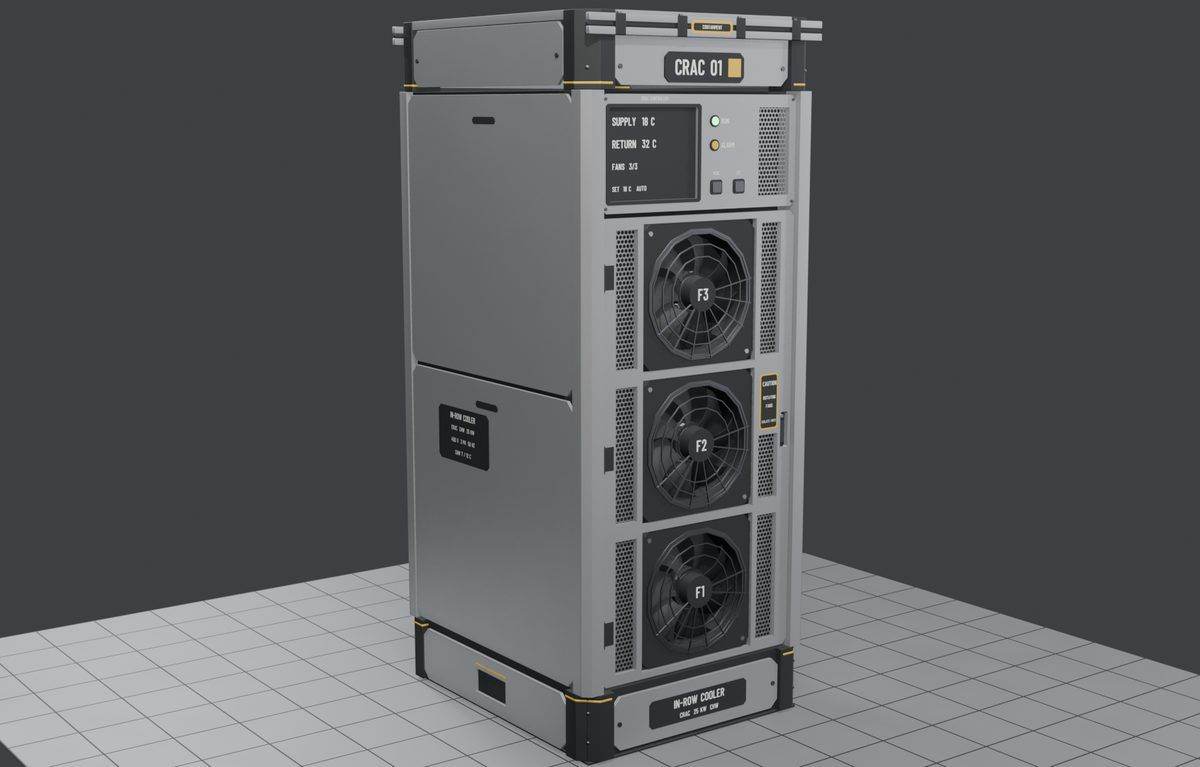
Cooling unit
The in-row cooling unit draws power and has an On/Off switch. Its three fans spin up over 2 seconds, a RUN lamp lights, and it breaks in 9 sections.
-
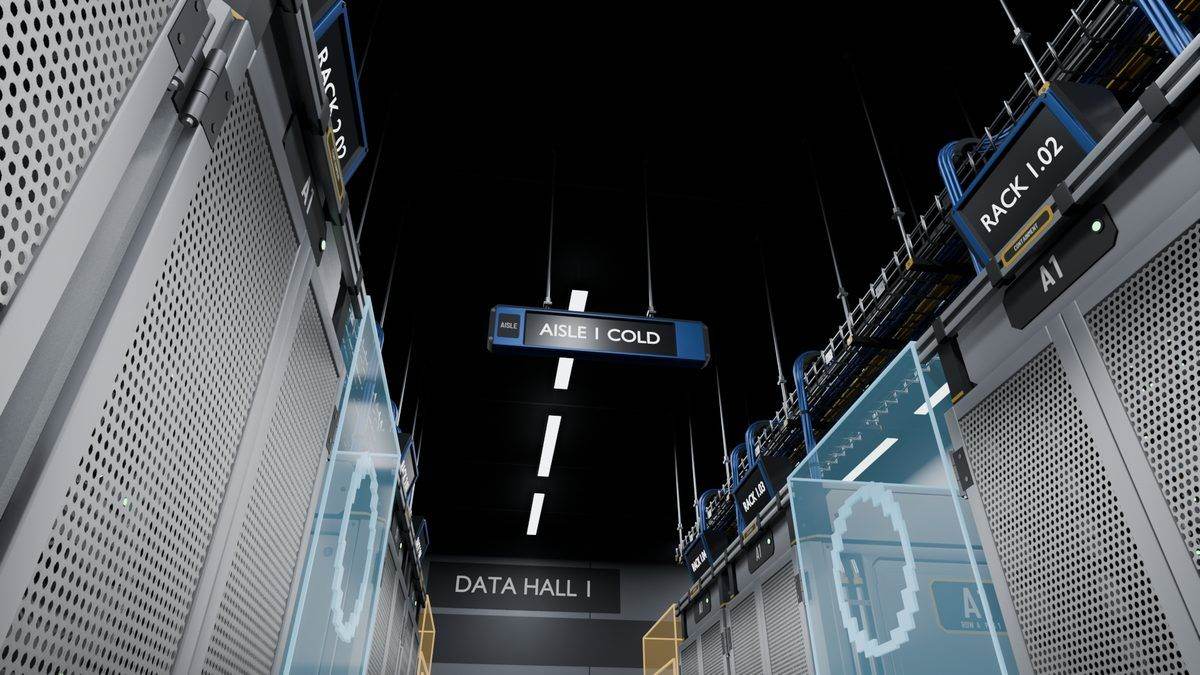
Signs
A wall aisle sign, a hanging aisle sign and a rack label, each with a screen you can type your own text on.
-
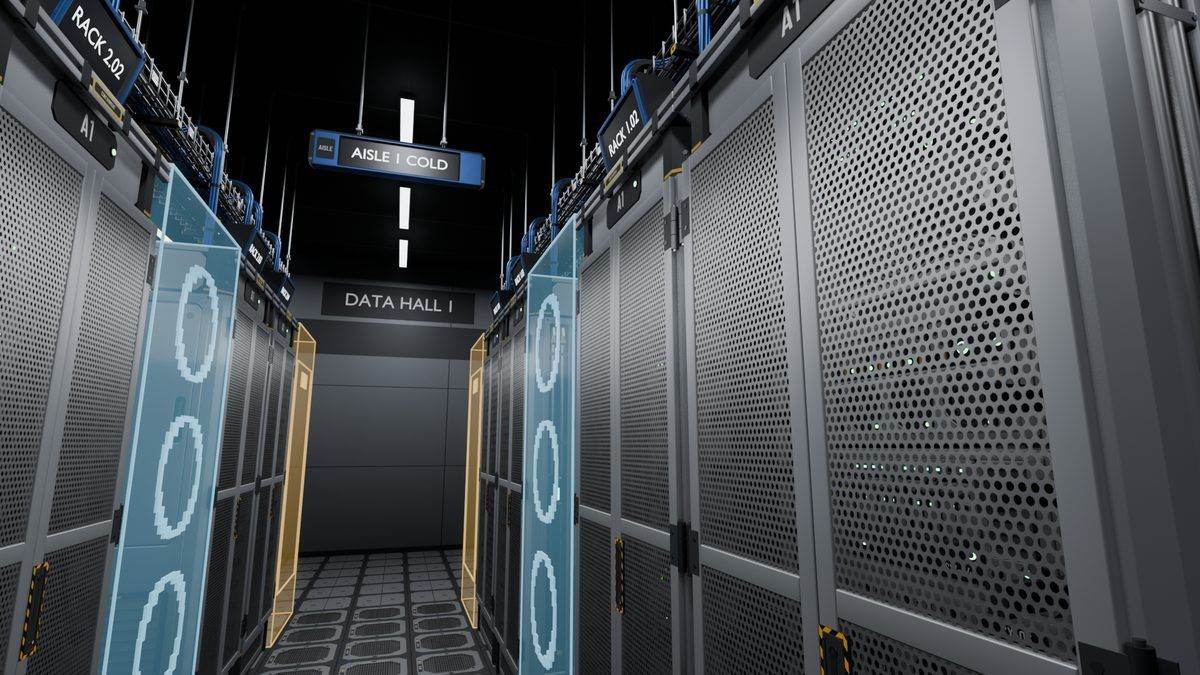
Signs along an aisle
Rack labels and hanging aisle signs lined up along a cold aisle.
-
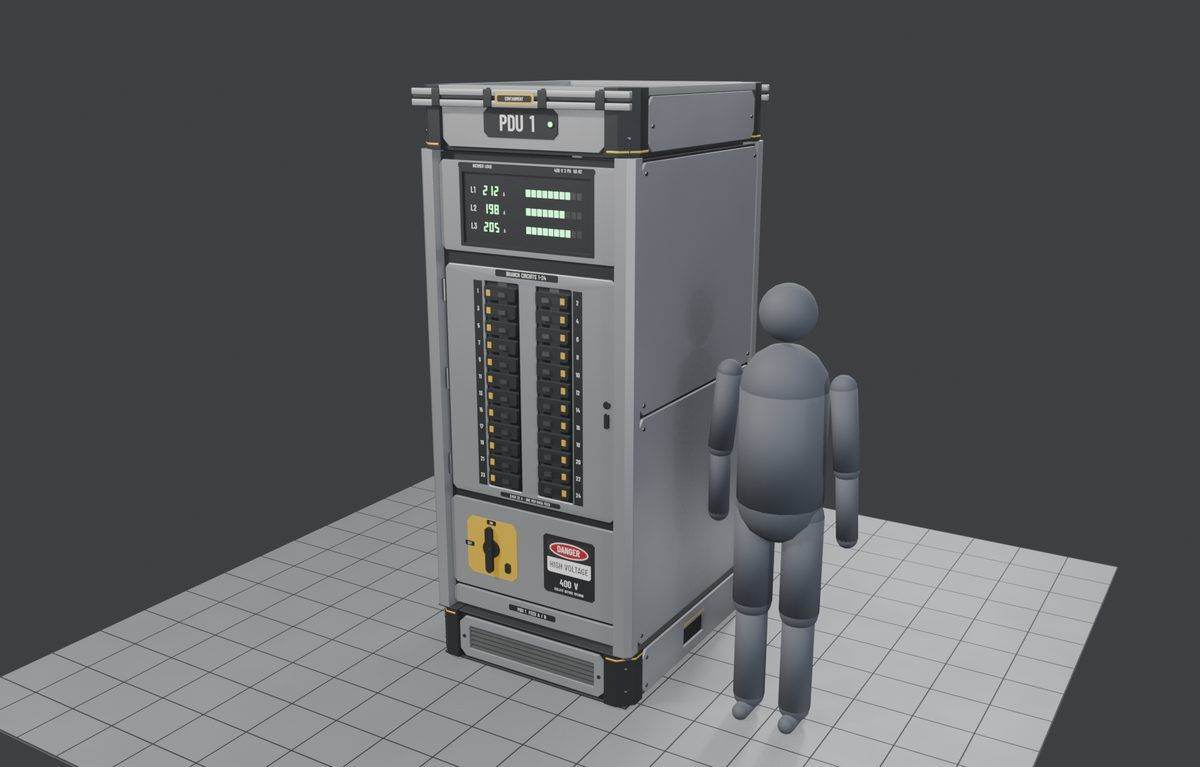
Power cabinet
A power cabinet with two columns of breakers and a Feed A/B plate. The rack power strips came with it, and the two break in 3 and 2 sections.
-
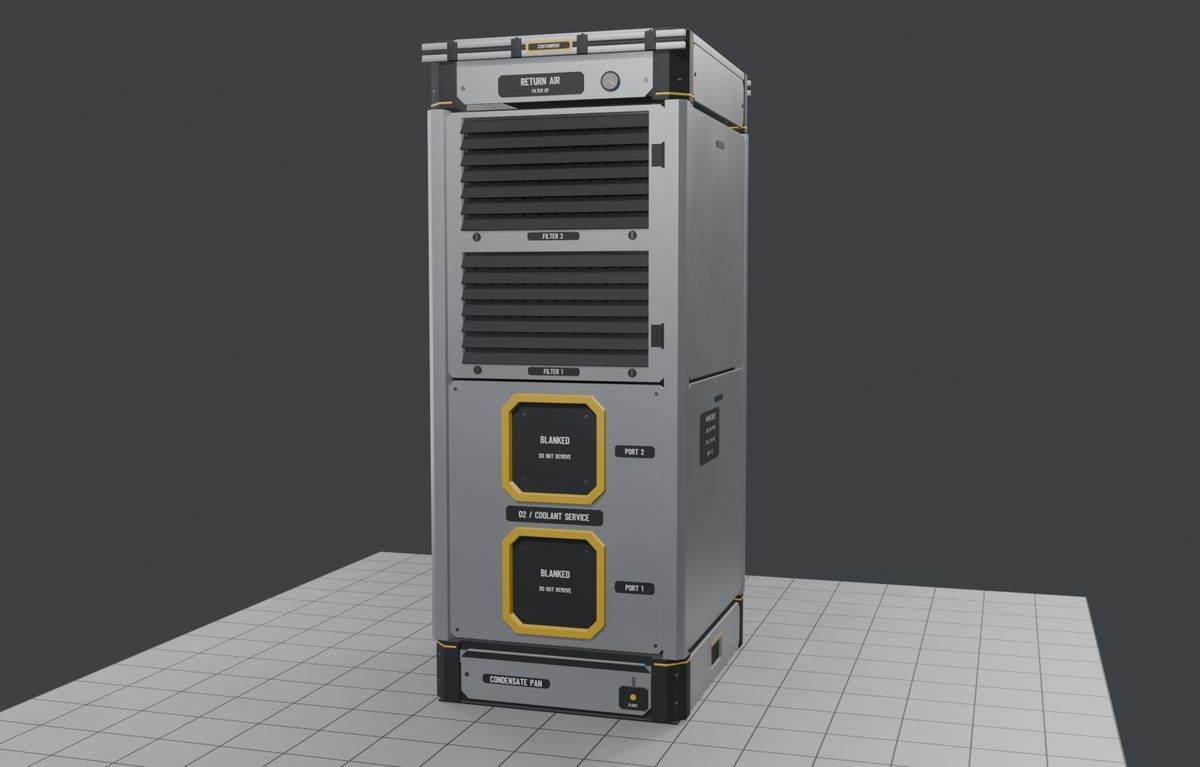
Service ports
Two capped oxygen and coolant ports built from the game's small conveyor port, plus a filter bank on the back.
-
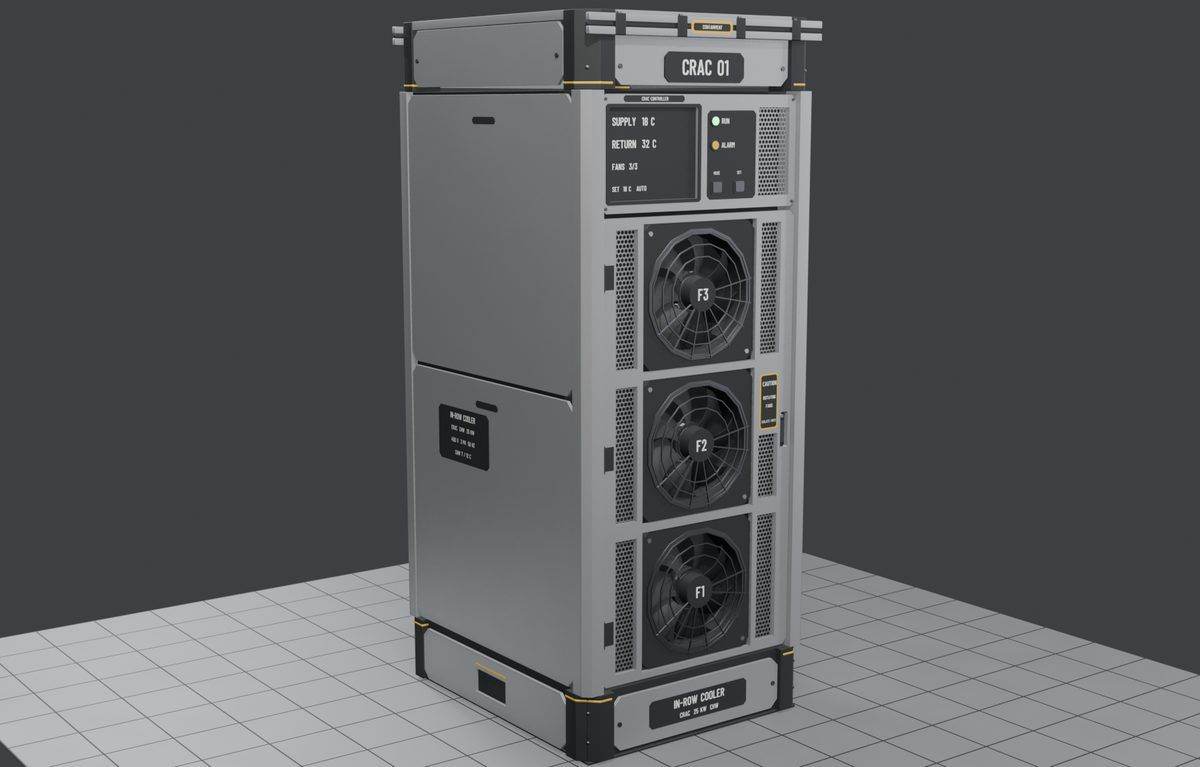
Cooler among the racks
The cooling unit set into a rack row, next to racks with their plain placards.
-
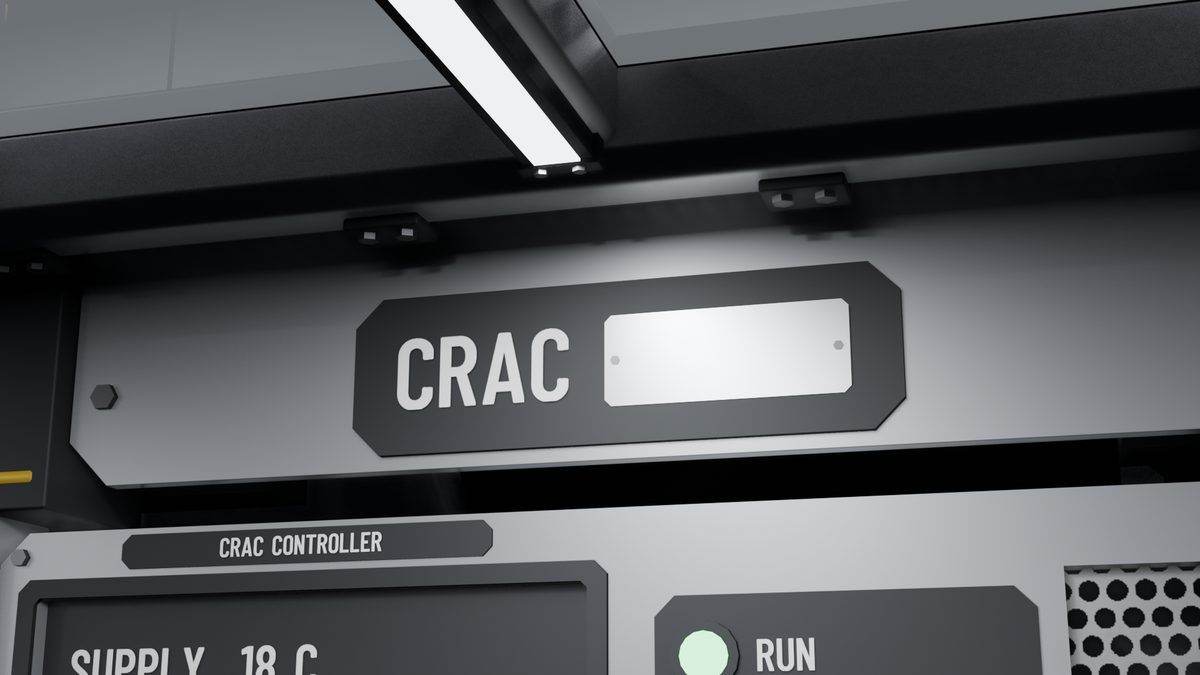
Controls close-up
A close look at the cooling unit's top plate and controller in the finished hall.
Whole hall / hero shots
Views down the aisle at each step, from the first mockups to the finished two-aisle hall.
-

First mockup
The first look down an aisle, with cable trays overhead and glass doors at the far end.
-
Restyled mockup
The same view restyled with black paint, armoured corner caps, the game's own stencils and neutral lighting.
-
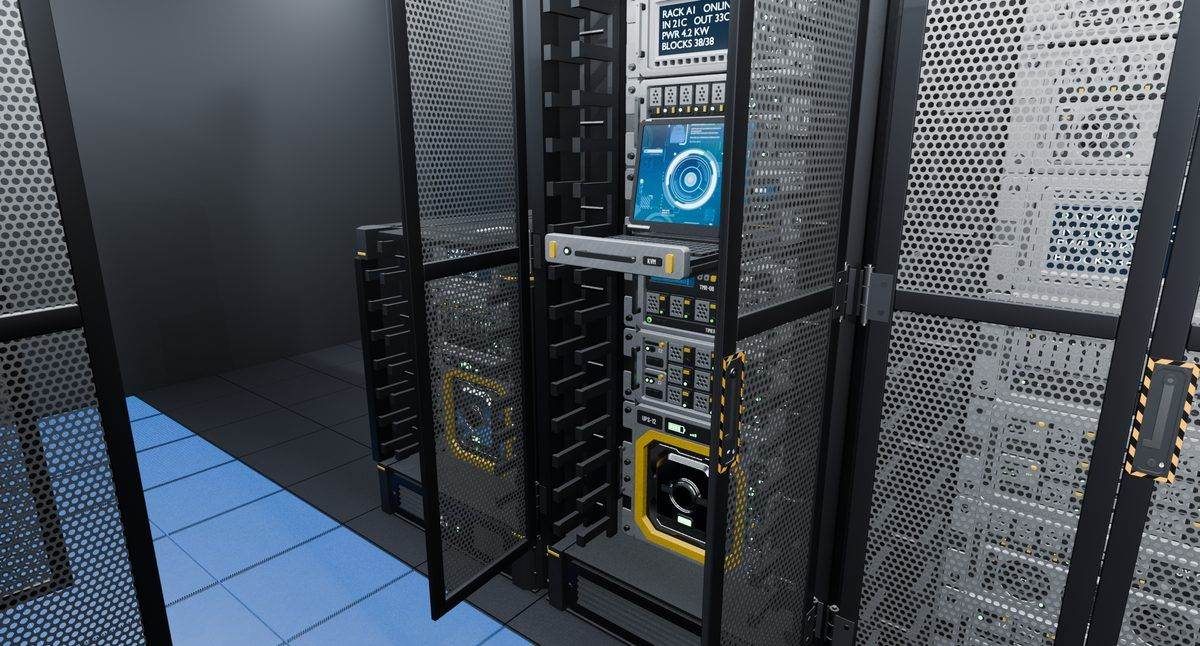
First real blocks
The first shot using the actual blocks: racks with doors open, the KVM pulled out and the UPS lit, on a stand-in floor.
-

First room
The first test room, an enclosed cold aisle 1.5 m wide.
-
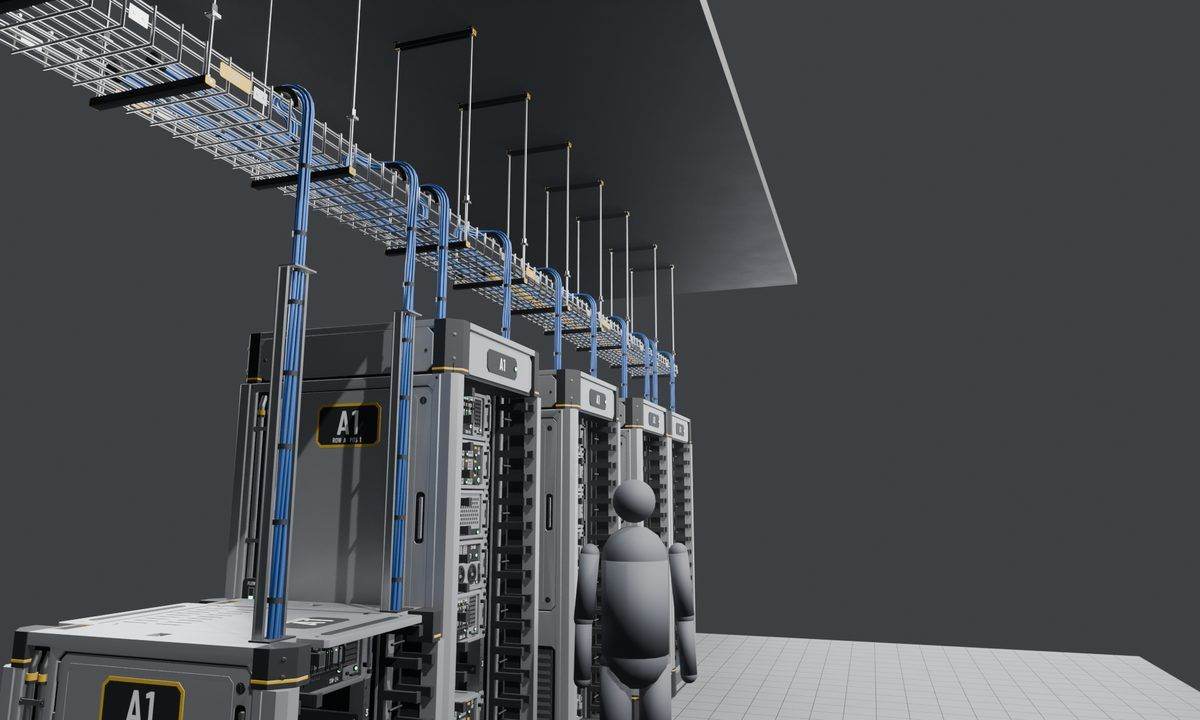
Trays over the aisle
Cable tray runs and drops above a rack aisle.
-
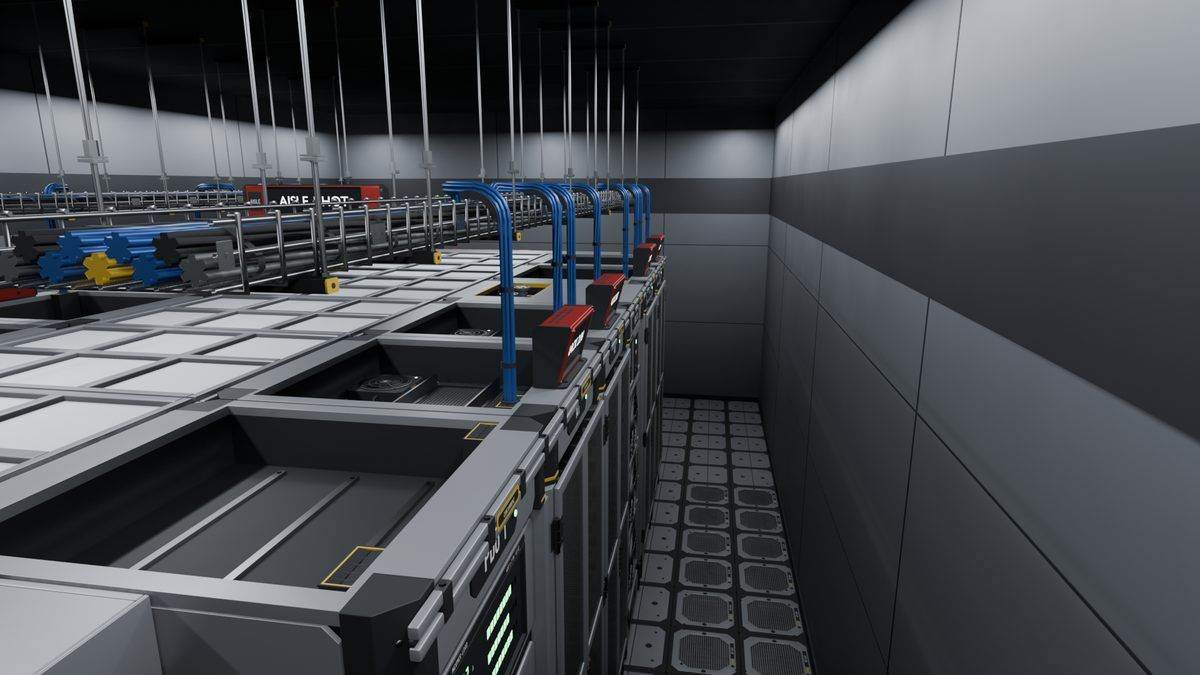
From above
Looking down on the trays, cable drops and racks in a room.
-

The finished hall
Down an enclosed aisle, with cooling units and doors at the end.
-
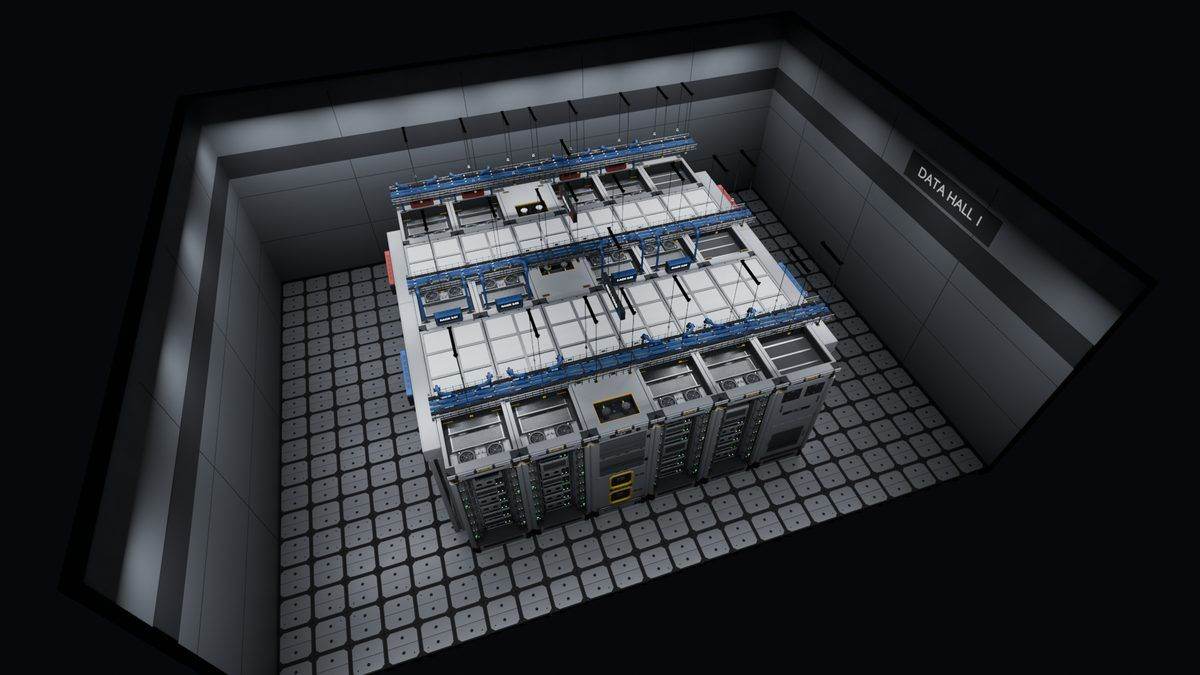
Finished hall from above
The finished two-aisle hall seen from above.
-
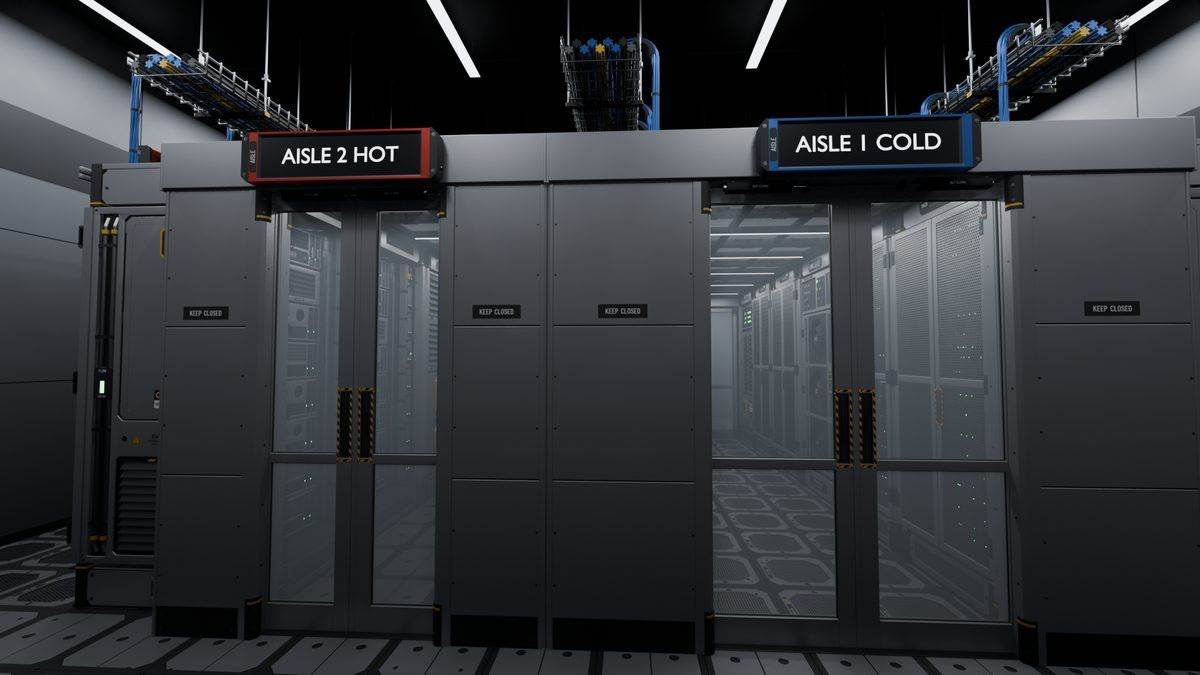
Aisle doors outside
Both aisle doors seen from outside, marked with hot and cold aisle signs.